> ## Documentation Index
> Fetch the complete documentation index at: https://docs.lindy.ai/llms.txt
> Use this file to discover all available pages before exploring further.
# Ad Hoc Tasks
> Delegate research, knowledge lookups, and on-demand tasks to Lindy
## Your On-Demand Assistant
Beyond running your inbox and meetings, Lindy handles one-off tasks whenever you need something done. Just ask.
## Research
Lindy combines your **work context** (emails, meetings, calendar) with **deep web research** to give you thorough, relevant answers.
* **Prep for a meeting**: "Research \[company] before my meeting tomorrow." Lindy pulls company info, recent news, and cross-references with your past interactions
* **Industry research**: "What's the latest on \[industry topic]?" Web research grounded in what's relevant to your work
* **Summarize content**: Send any URL or YouTube link and get the key points back
* **Competitive intel**: "What is \[company] announcing this quarter?" Lindy finds public info and connects it to your deals and conversations
* **People research**: "What do I know about \[name]?" Lindy pulls from your emails, meetings, and the web
## Knowledge Bank
Lindy remembers everything from your past emails and meetings. Ask questions anytime:
* **Recall conversations**: "What did \[name] say about pricing in our last call?"
* **Find emails**: "Find the email where \[name] sent the contract"
* **Check history**: "When was my last meeting with \[company]?"
* **Surface action items**: "What were the action items from last week's team sync?"
* **Track commitments**: "What did I promise \[name] I'd send them?"
## Ask Lindy To...
* "Block 2 hours for deep work this week"
* "Move my 3pm to Thursday"
* "What does my week look like?"
* "Schedule a 30-min call with \[name] next week"
* "Cancel my meeting with \[name] tomorrow"
* "Draft a reply to that last email from \[name]"
* "Follow up with \[name] if they don't reply by Wednesday"
* "What emails need my attention right now?"
* "Draft a cold intro to \[name] at \[company]"
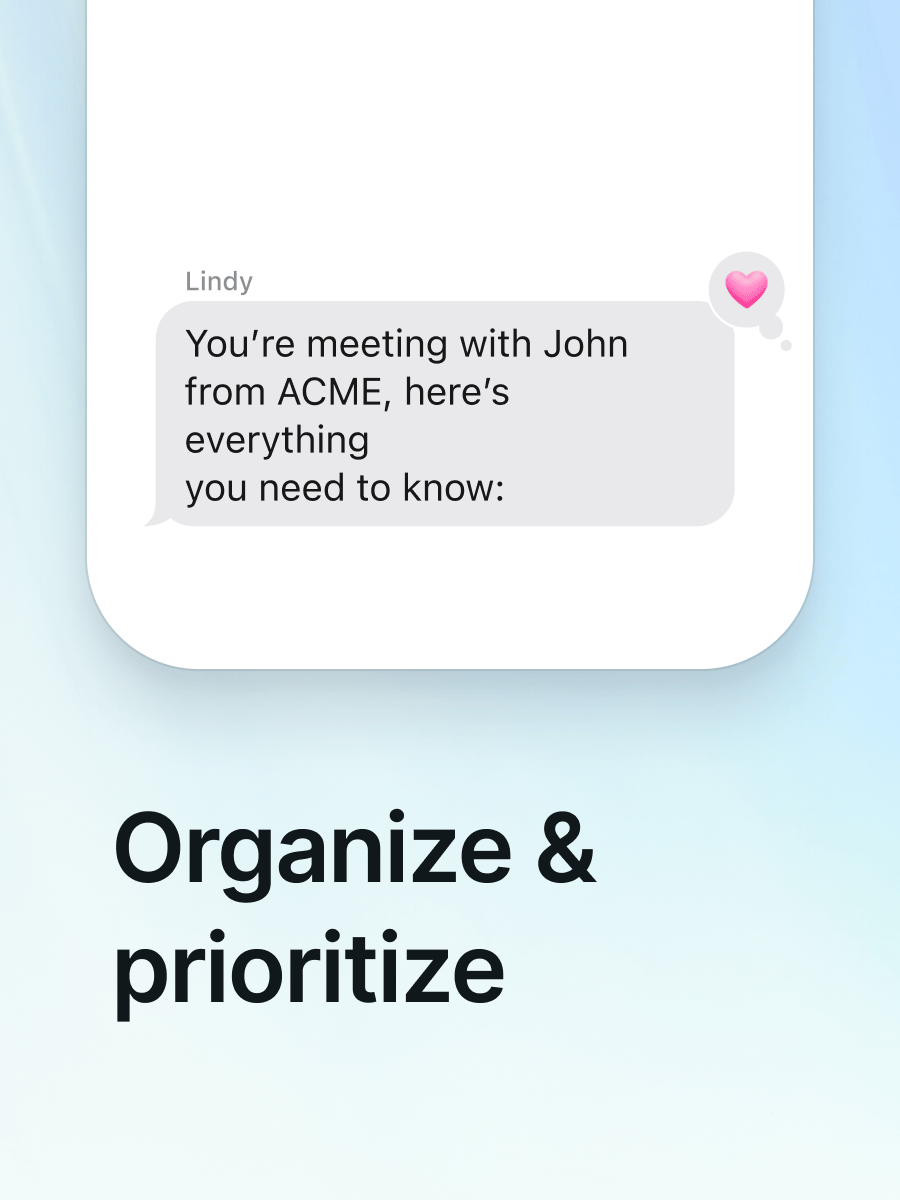
* "Prep me for my next call"
* "Research \[person/company] before my 2pm"
* "Send \[name] a recap with next steps"
* "What action items came out of today's meetings?"
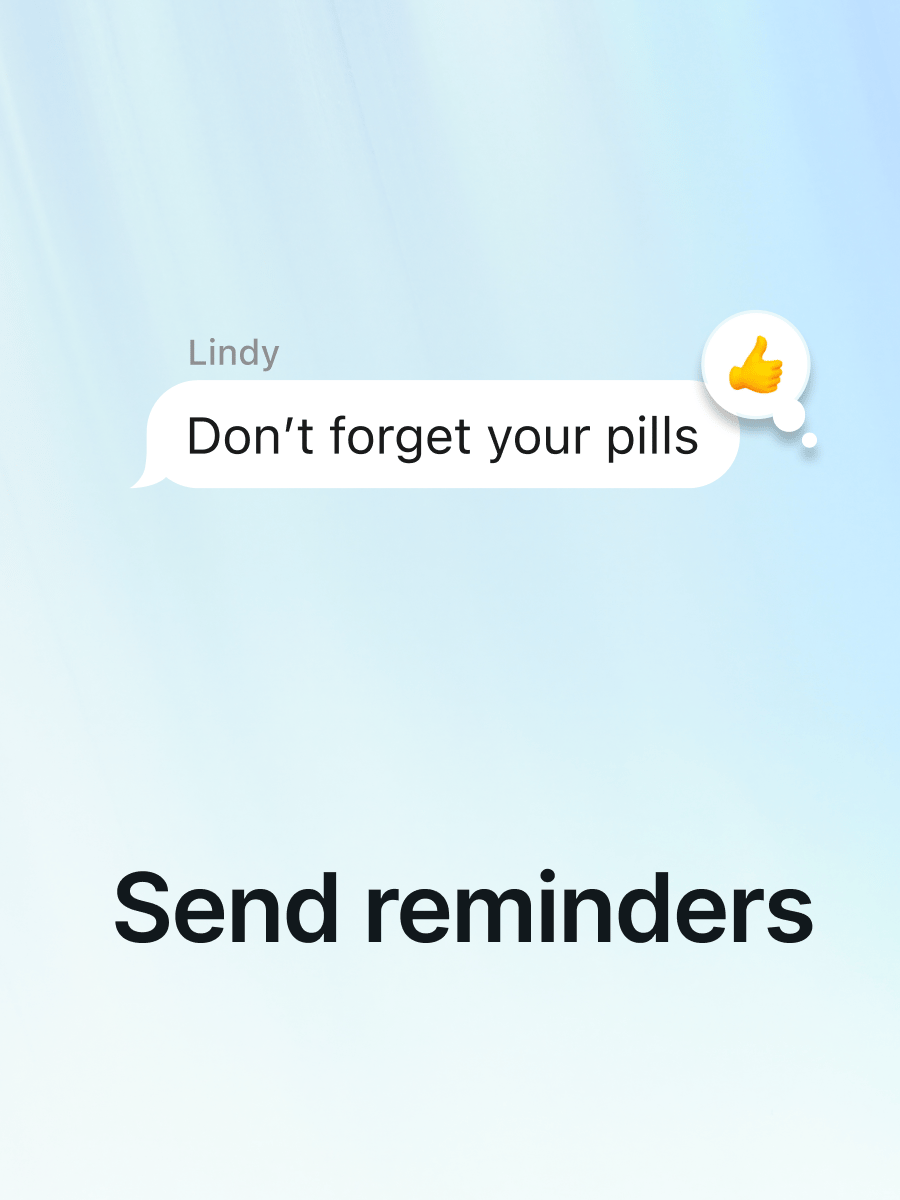
* "Remind me to follow up with \[name] on Thursday"
* "Remind me every Monday to review my pipeline"
* "Check in with me at 5pm about whether I finished the proposal"
* "Summarize this" + paste a link
* "What's \[company] been up to lately?"
* "Find a restaurant near \[location] for a client dinner"
* "Send me my wins at 8pm every day"
* "Text me my top 3 priorities every morning at 7am"
* "Recap my day at 9pm as a voice note"
* "Add \[task] to my to-do list"
* "What's still on my list from this week?"
* "What did I commit to after yesterday's meetings?"
* "Find a gift under \$100 for \[name]"
* "Book a reservation for 2 at \[restaurant] Saturday night"
* "What's coming up this week I might forget?"
## Next Steps
Delegate to Lindy from your phone
How Lindy runs your inbox autonomously
Meeting prep, notes, and follow-ups