> ## Documentation Index
> Fetch the complete documentation index at: https://docs.lindy.ai/llms.txt
> Use this file to discover all available pages before exploring further.
# Follow-ups
> Lindy automatically sends follow-up emails with action items after every meeting
## Nothing Falls Through the Cracks
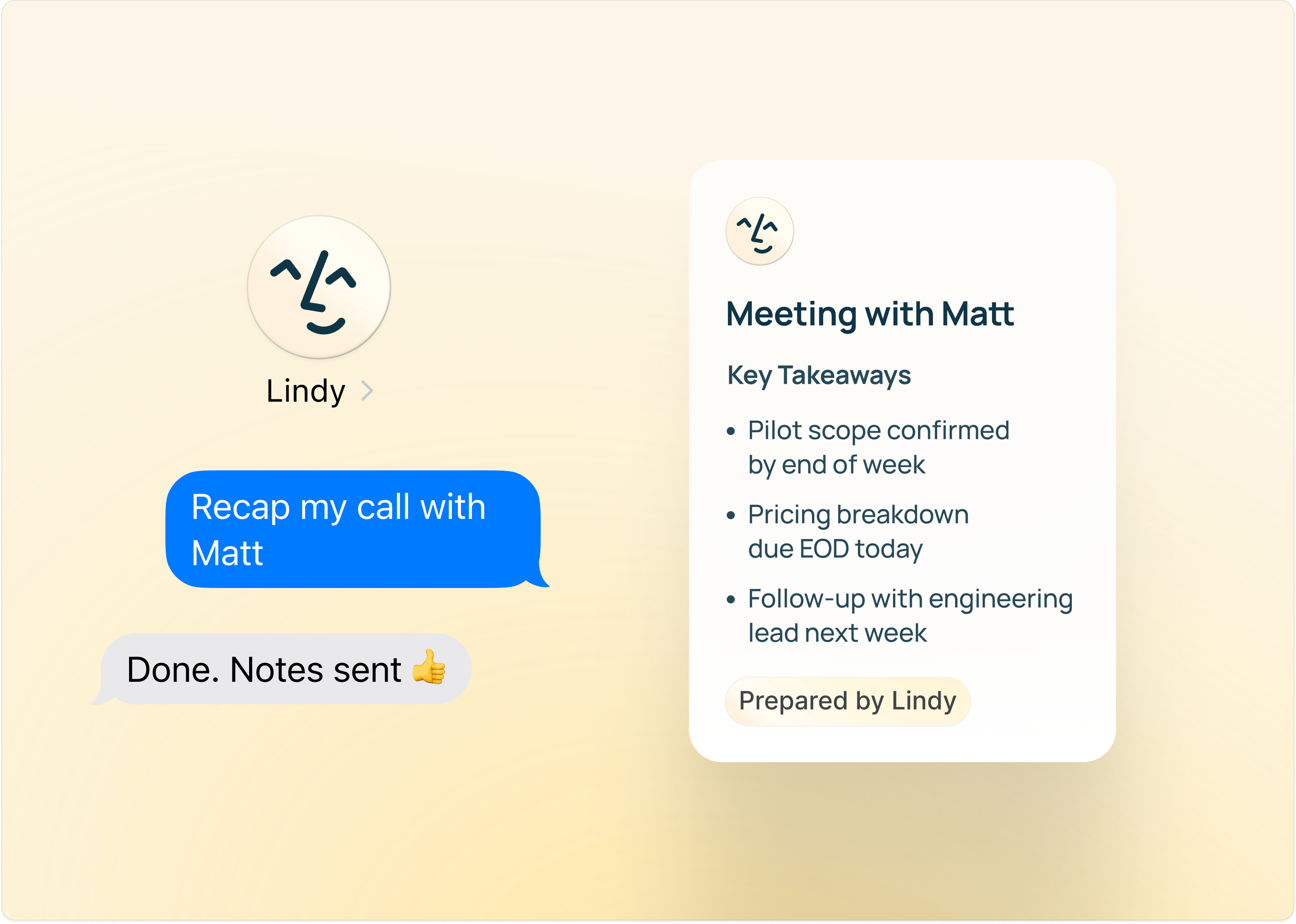
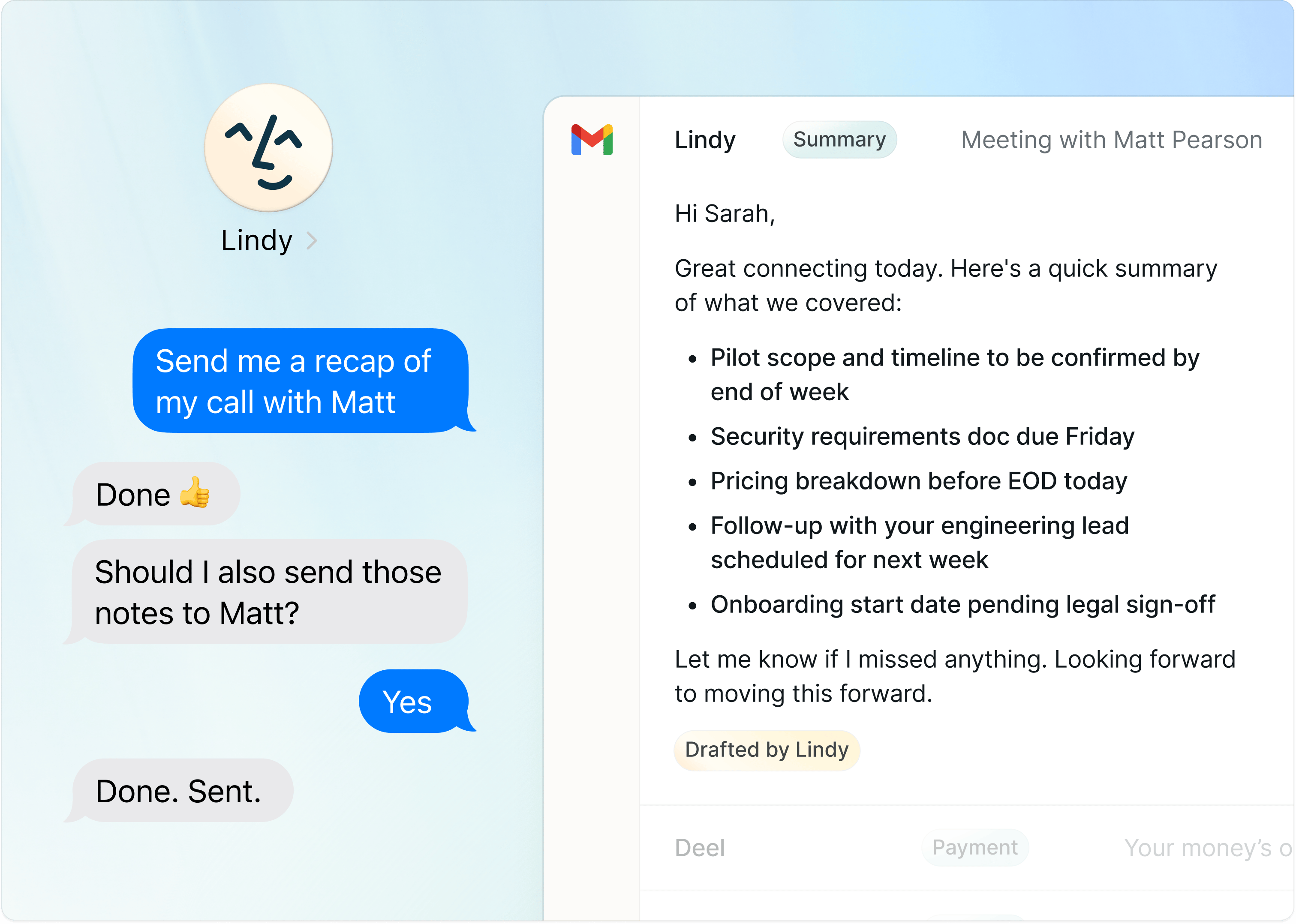
After every meeting, Lindy extracts the action items and sends a follow-up email to attendees. Decisions get documented, next steps are clear, and everyone knows what they're responsible for. Work moves forward without you chasing it.
 ## How to Set It Up
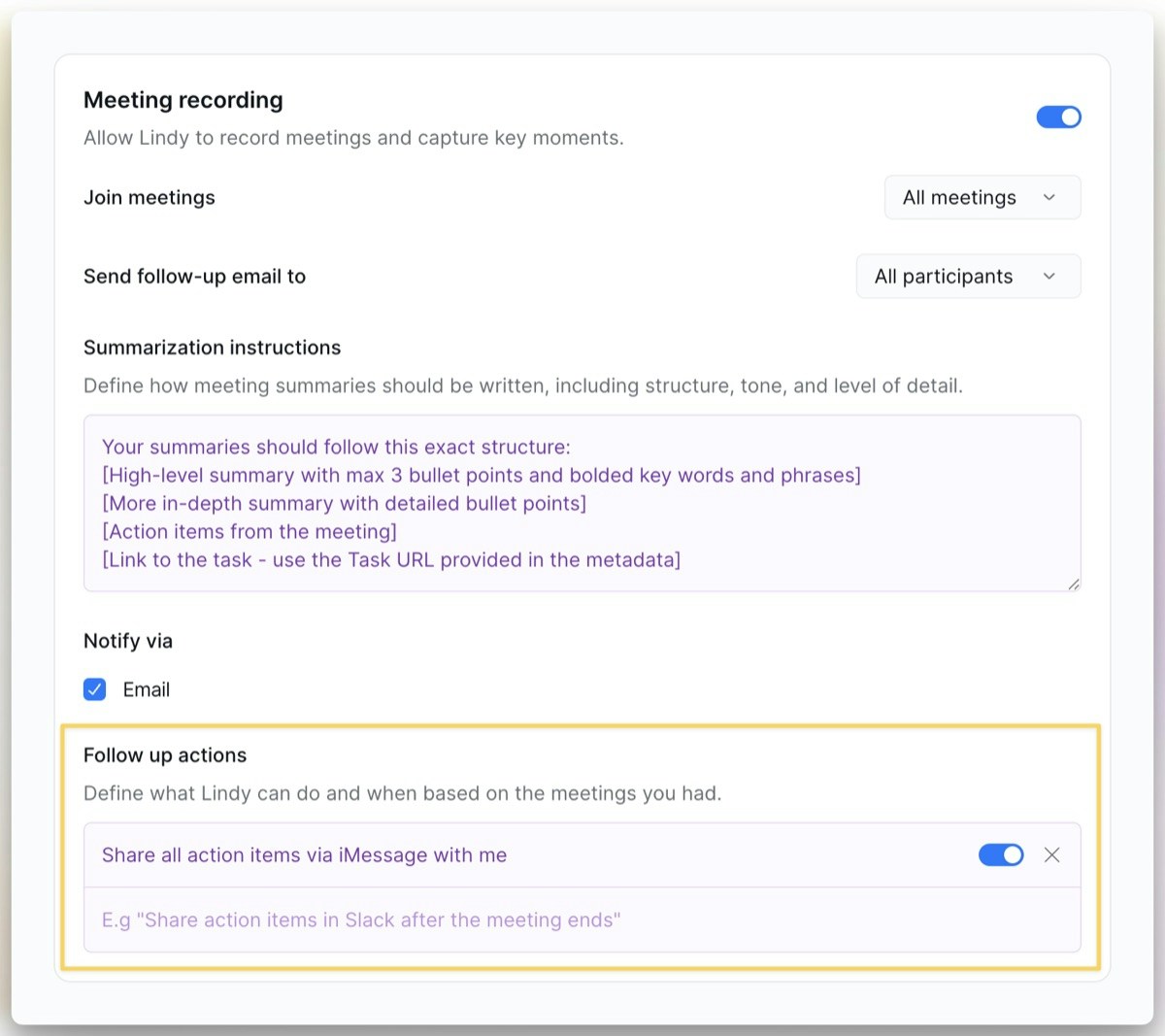
Open Lindy, click your **workspace name** in the top-left, and choose **Settings**. In the left sidebar, click **Meetings** — that's where you choose who receives follow-ups and add custom **Follow-up Actions**.
## How It Works
When meeting recording is enabled, Lindy automatically handles follow-ups:
1. **Meeting ends**: Lindy processes the recording and transcript
2. **Action items extracted**: Lindy identifies decisions, next steps, and owners
3. **Follow-up sent**: An email goes out to attendees with the summary and action items
## Who Gets the Follow-up
* **All participants**: everyone on the invite gets the summary
* **Internal only**: just your team
* **Specific people**: customize per your preferences
## Custom Follow-up Actions
Beyond email, you can tell Lindy to take additional actions after meetings. In your settings at [chat.lindy.ai](https://chat.lindy.ai), use the **Follow-up Actions** field to describe what Lindy should do.
**Lindy works with your existing tools** — Notion, Slack, Todoist, and hundreds more. Just tell it what to do (*"Add action items to Todoist"*) and it handles the rest.
The first time it uses an app, Lindy asks you to connect it.
## How to Set It Up
Open Lindy, click your **workspace name** in the top-left, and choose **Settings**. In the left sidebar, click **Meetings** — that's where you choose who receives follow-ups and add custom **Follow-up Actions**.
## How It Works
When meeting recording is enabled, Lindy automatically handles follow-ups:
1. **Meeting ends**: Lindy processes the recording and transcript
2. **Action items extracted**: Lindy identifies decisions, next steps, and owners
3. **Follow-up sent**: An email goes out to attendees with the summary and action items
## Who Gets the Follow-up
* **All participants**: everyone on the invite gets the summary
* **Internal only**: just your team
* **Specific people**: customize per your preferences
## Custom Follow-up Actions
Beyond email, you can tell Lindy to take additional actions after meetings. In your settings at [chat.lindy.ai](https://chat.lindy.ai), use the **Follow-up Actions** field to describe what Lindy should do.
**Lindy works with your existing tools** — Notion, Slack, Todoist, and hundreds more. Just tell it what to do (*"Add action items to Todoist"*) and it handles the rest.
The first time it uses an app, Lindy asks you to connect it.
 ### Examples
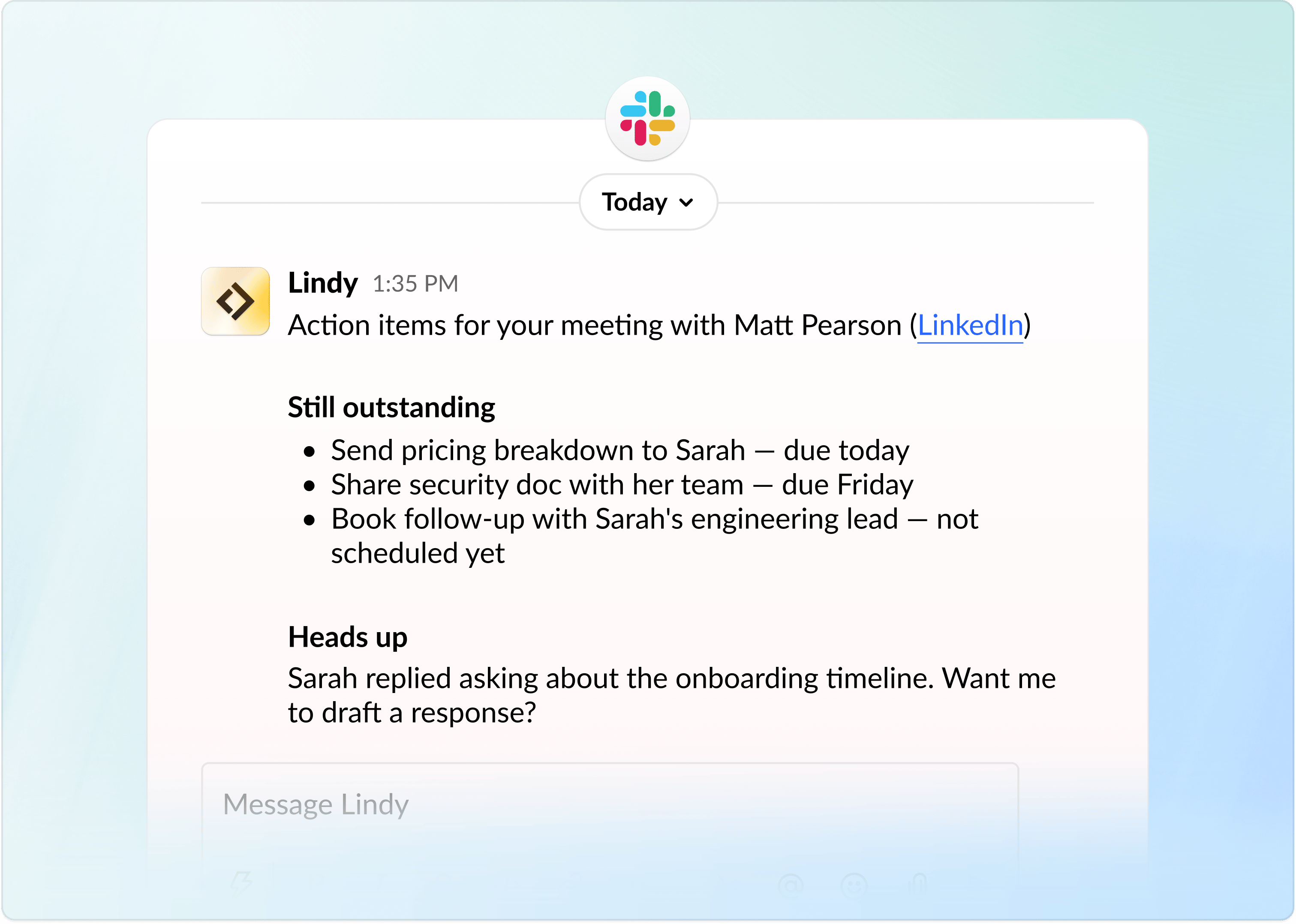
One of the most-loved follow-ups is having Lindy DM you in Slack right after the meeting ends, with the still-outstanding action items and a heads-up on anything that needs your attention.
**Try a prompt like:**
### Examples
One of the most-loved follow-ups is having Lindy DM you in Slack right after the meeting ends, with the still-outstanding action items and a heads-up on anything that needs your attention.
**Try a prompt like:**
Send a Slack DM with action items
 Other examples:
* "Update the CRM with notes from every sales call"
* "Create a Notion page with the meeting summary"
* "Send action items to the project lead if they weren't on the call"
Other examples:
* "Update the CRM with notes from every sales call"
* "Create a Notion page with the meeting summary"
* "Send action items to the project lead if they weren't on the call"
This page covers post-meeting follow-ups. Lindy can also draft follow-up emails when someone hasn't replied to a message you sent. See [Email Drafting](/features/inbox-management/email-drafting) for that feature.
## Next Steps
How Lindy records and summarizes meetings
Get context before every meeting