> ## Documentation Index
> Fetch the complete documentation index at: https://docs.lindy.ai/llms.txt
> Use this file to discover all available pages before exploring further.
# Meet Lindy
> One AI assistant for your inbox, meetings, calendar, and follow-ups.
## The Ultimate AI Executive Assistant
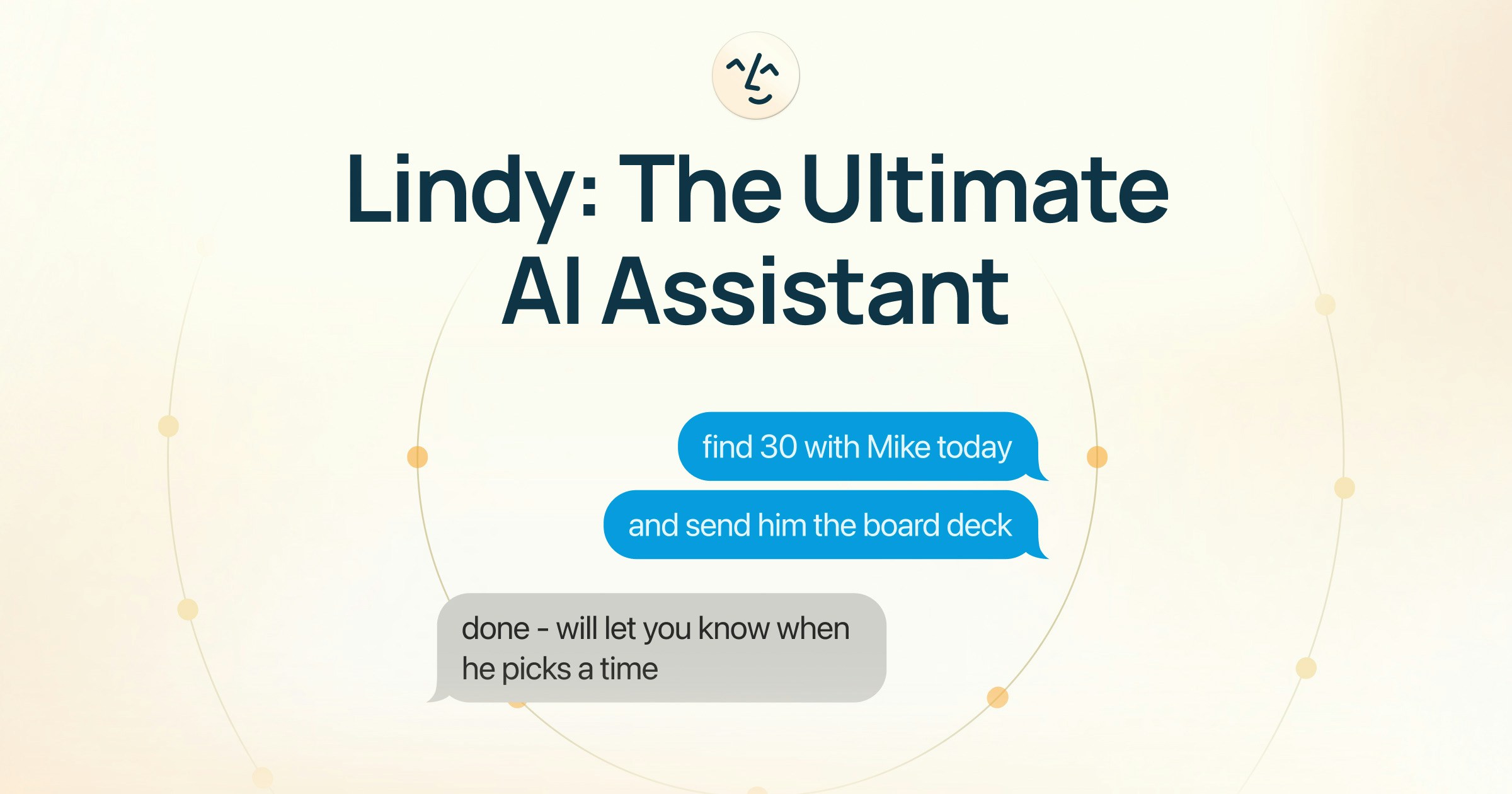
Lindy is an AI executive assistant that runs your work life autonomously, giving you 10+ hours back every week. Set up in two minutes. No new tools to learn.
 ## What Lindy Does for You
Sorts, labels, and prioritizes your inbox so you start every day in control.
AI-drafted replies land in your drafts folder, ready to review and send.
Pre-meeting briefings with attendee research, past context, and agenda.
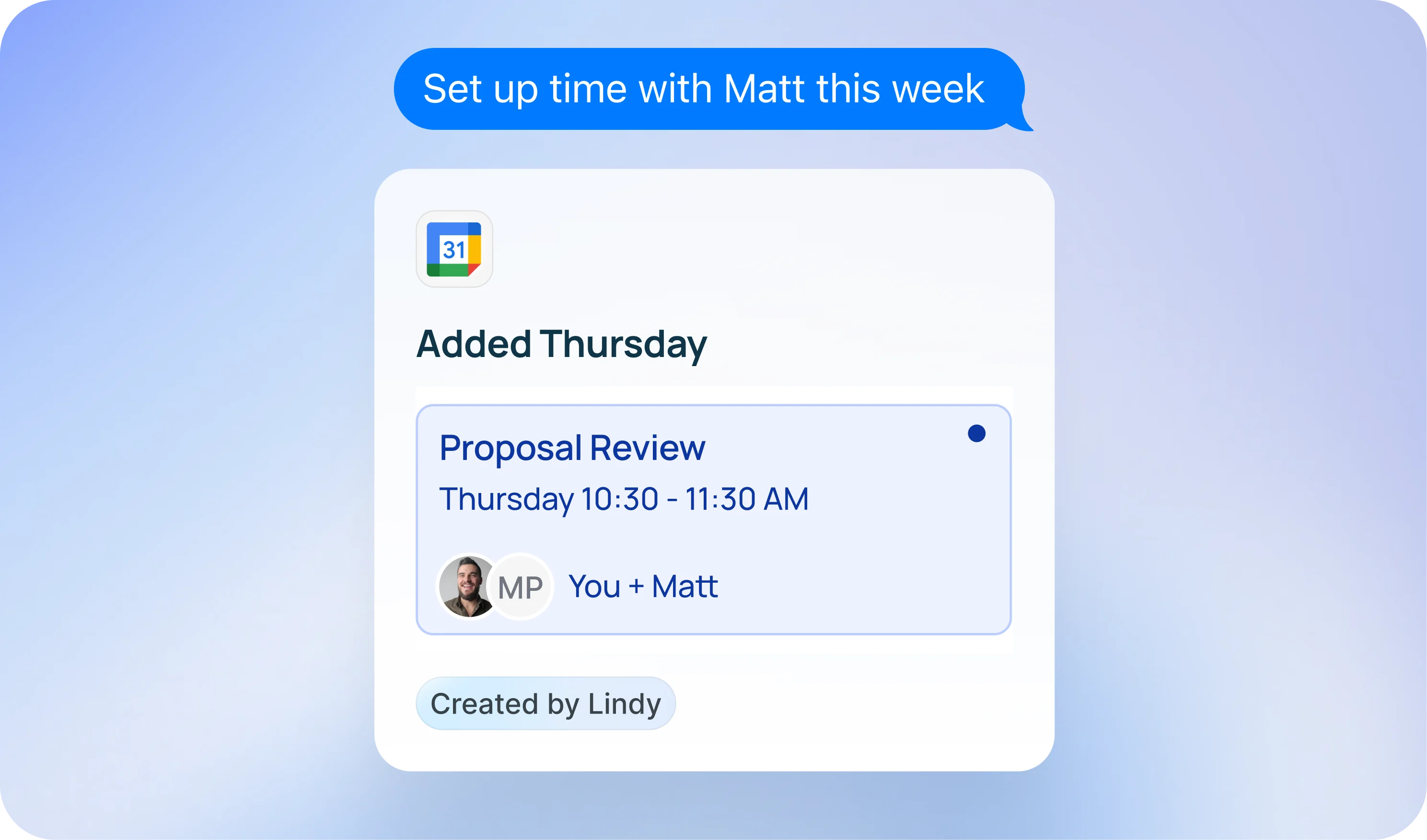
Finds times, sends invites, and locks in meetings — no more back-and-forth.
## How Lindy Is Different
### Lindy does the work
Lindy doesn't assist. It acts. Every email answered. Every meeting prepped. Every follow-up sent. You didn't do any of it. Lindy learns what matters to you and executes autonomously throughout the day.
### One tool, not five
Most professionals juggle separate tools for email, scheduling, meeting notes, and follow-ups. Lindy replaces them all. One assistant, one place. Fewer tools, fewer tabs, fewer subscriptions.
### Lindy understands you
Lindy remembers your preferences, tracks your priorities, and learns from your feedback. Drafts sound like you. Responses match your tone. Unlike stateless AI tools, Lindy builds context across every interaction and gets better over time.
### Lindy is everywhere you work
Delegate to Lindy through iMessage, SMS, Slack, email, or the web app. Text Lindy from your phone like you'd text a friend:
* "Reschedule my 2pm"
* "What did Sarah say in yesterday's call?"
No app to open, no dashboard to check. Just text it and it's done.
## What Lindy Does for You
Sorts, labels, and prioritizes your inbox so you start every day in control.
AI-drafted replies land in your drafts folder, ready to review and send.
Pre-meeting briefings with attendee research, past context, and agenda.
Finds times, sends invites, and locks in meetings — no more back-and-forth.
## How Lindy Is Different
### Lindy does the work
Lindy doesn't assist. It acts. Every email answered. Every meeting prepped. Every follow-up sent. You didn't do any of it. Lindy learns what matters to you and executes autonomously throughout the day.
### One tool, not five
Most professionals juggle separate tools for email, scheduling, meeting notes, and follow-ups. Lindy replaces them all. One assistant, one place. Fewer tools, fewer tabs, fewer subscriptions.
### Lindy understands you
Lindy remembers your preferences, tracks your priorities, and learns from your feedback. Drafts sound like you. Responses match your tone. Unlike stateless AI tools, Lindy builds context across every interaction and gets better over time.
### Lindy is everywhere you work
Delegate to Lindy through iMessage, SMS, Slack, email, or the web app. Text Lindy from your phone like you'd text a friend:
* "Reschedule my 2pm"
* "What did Sarah say in yesterday's call?"
No app to open, no dashboard to check. Just text it and it's done.
 ## Get Started in 2 Minutes
Go to [lindy.ai](https://lindy.ai) and click **Try for Free**. Sign in with Google to connect your email and calendar in one step.
Unlock iMessage and SMS so you can delegate to Lindy from your phone.
That's it. Lindy gets to work immediately. Autonomously.
Full setup walkthrough. Get running in 2 minutes.
Everything you can do by texting Lindy
## Security & Privacy
Lindy takes your data seriously. Your information is encrypted, never sold, and never used to train models.
* **SOC 2 Type II** compliant
* **HIPAA** compliant
* **GDPR** compliant
* **AES-256** encryption
[Learn more about security](/resources/security)
***
## Need Help?
* **Email:** [support@lindy.ai](mailto:support@lindy.ai)
* **Join a group onboarding session:** [luma.com/getlindy](https://luma.com/getlindy)
## Get Started in 2 Minutes
Go to [lindy.ai](https://lindy.ai) and click **Try for Free**. Sign in with Google to connect your email and calendar in one step.
Unlock iMessage and SMS so you can delegate to Lindy from your phone.
That's it. Lindy gets to work immediately. Autonomously.
Full setup walkthrough. Get running in 2 minutes.
Everything you can do by texting Lindy
## Security & Privacy
Lindy takes your data seriously. Your information is encrypted, never sold, and never used to train models.
* **SOC 2 Type II** compliant
* **HIPAA** compliant
* **GDPR** compliant
* **AES-256** encryption
[Learn more about security](/resources/security)
***
## Need Help?
* **Email:** [support@lindy.ai](mailto:support@lindy.ai)
* **Join a group onboarding session:** [luma.com/getlindy](https://luma.com/getlindy)