> ## Documentation Index
> Fetch the complete documentation index at: https://docs.lindy.ai/llms.txt
> Use this file to discover all available pages before exploring further.
# Context
> Manage your agent memory by adding important information to context or clearing it to focus on what matters most
## Overview
Context management in Lindy gives you direct control over your agent's memory and attention. Perfect for:
* **Prioritizing important information** — anything you add to context gets favored in future decisions
* **Managing token costs** — clear context when it gets too large or expensive
* **Focusing agent attention** — remove distractions and highlight what matters
* **Advanced memory control** — combine with variables for sophisticated patterns
Context accrual happens automatically behind the scenes, but these actions give you more control.
## Add Context Action
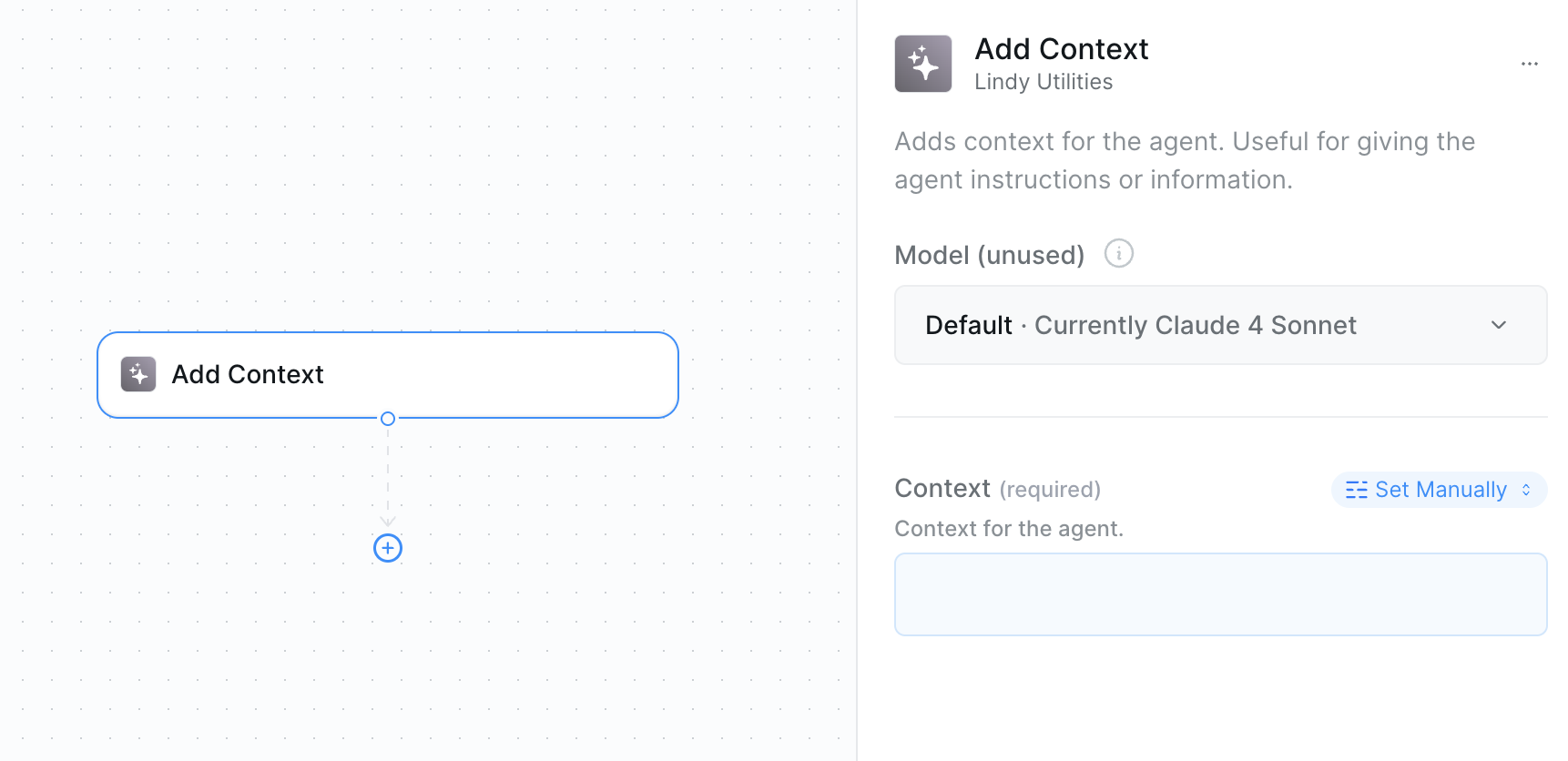
* **What it does**: Explicitly adds important information to your agent's working memory, ensuring it's prioritized in all future decisions.
 ### Inputs
* **Contextt**: The information you want to add to context
### Outputs
* **Context Reference**: Can be referenced as an output in other actions
* **Updated Context**: The agent's context is updated behind the scenes
Lindy automatically manages context accrual for all actions. Anything you explicitly add to context gets prioritized and placed at the top — making it highly favored in the agent's decision-making process.
## Clear Task Context Action
* **What it does**: Removes all or selected context to reduce token usage and refocus your agent's attention on what matters most.
### Inputs
* **Contextt**: The information you want to add to context
### Outputs
* **Context Reference**: Can be referenced as an output in other actions
* **Updated Context**: The agent's context is updated behind the scenes
Lindy automatically manages context accrual for all actions. Anything you explicitly add to context gets prioritized and placed at the top — making it highly favored in the agent's decision-making process.
## Clear Task Context Action
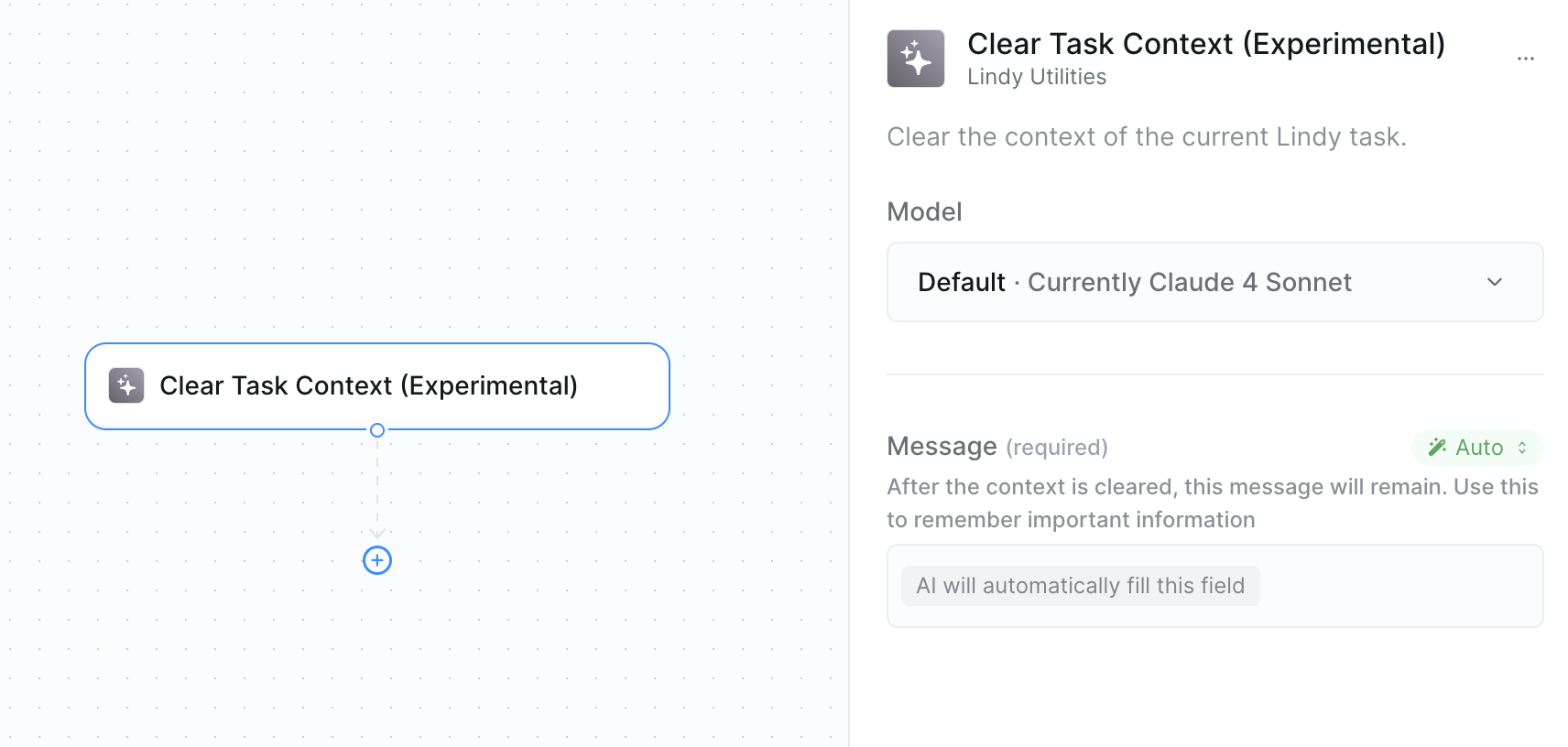
* **What it does**: Removes all or selected context to reduce token usage and refocus your agent's attention on what matters most.
 ### Inputs
* **Message**: Instructions for what to preserve — like "preserve customer contacts or important information that will stay after the context is cleared"
### Outputs
* **Cleared Status**: Confirmation of what was removed
* **Remaining Context**: What context (if any) was preserved
Advanced Pattern: Before clearing context, save important information to variables. After clearing, add only the essential context back using those variables.
## When to Use Context Actions
### Add Context
Use when you need to prioritize information:
* Customer details when a call or conversation starts
* Critical findings that should influence all future decisions
* Process state that other actions need to know about
* Error conditions that need to be tracked
### Clear Context
Use to manage costs and focus:
* When context gets large and expensive
* Switching between different workflow phases
* Processing multiple independent items
* Need to eliminate distractions
## Best Practices
* Use variables to preserve essential data before clearing
* Clear context at natural workflow breakpoints
* Add context immediately after discovering critical information
* Monitor context size in complex workflows
* Use descriptive source labels for tracking
* Clear context when processing multiple similar items
* Add only truly essential information to context
* Use variables for temporary data that doesn't need global access
* Monitor context accumulation in loops
* Clear context before major workflow transitions
## Next Steps
Learn how to store temporary data that doesn't need to be in global context
Understand persistent memory that survives across different task executions
Access advanced monitoring and observability features
Make direct AI requests with controlled context
### Inputs
* **Message**: Instructions for what to preserve — like "preserve customer contacts or important information that will stay after the context is cleared"
### Outputs
* **Cleared Status**: Confirmation of what was removed
* **Remaining Context**: What context (if any) was preserved
Advanced Pattern: Before clearing context, save important information to variables. After clearing, add only the essential context back using those variables.
## When to Use Context Actions
### Add Context
Use when you need to prioritize information:
* Customer details when a call or conversation starts
* Critical findings that should influence all future decisions
* Process state that other actions need to know about
* Error conditions that need to be tracked
### Clear Context
Use to manage costs and focus:
* When context gets large and expensive
* Switching between different workflow phases
* Processing multiple independent items
* Need to eliminate distractions
## Best Practices
* Use variables to preserve essential data before clearing
* Clear context at natural workflow breakpoints
* Add context immediately after discovering critical information
* Monitor context size in complex workflows
* Use descriptive source labels for tracking
* Clear context when processing multiple similar items
* Add only truly essential information to context
* Use variables for temporary data that doesn't need global access
* Monitor context accumulation in loops
* Clear context before major workflow transitions
## Next Steps
Learn how to store temporary data that doesn't need to be in global context
Understand persistent memory that survives across different task executions
Access advanced monitoring and observability features
Make direct AI requests with controlled context