> ## Documentation Index
> Fetch the complete documentation index at: https://docs.lindy.ai/llms.txt
> Use this file to discover all available pages before exploring further.
# Quickstart
> Set up the AI that runs your work life in 2 minutes
## Get Started
Lindy is the AI that runs your work life. Once you're set up, Lindy autonomously handles your inbox, preps you for meetings, takes notes, sends follow-ups, and keeps your calendar under control. You don't have to ask.
 Go to [lindy.ai](https://lindy.ai) and click **Try for Free**.
On the **Get Started** page, choose how to sign in. You can use **Google** or your **email address**.
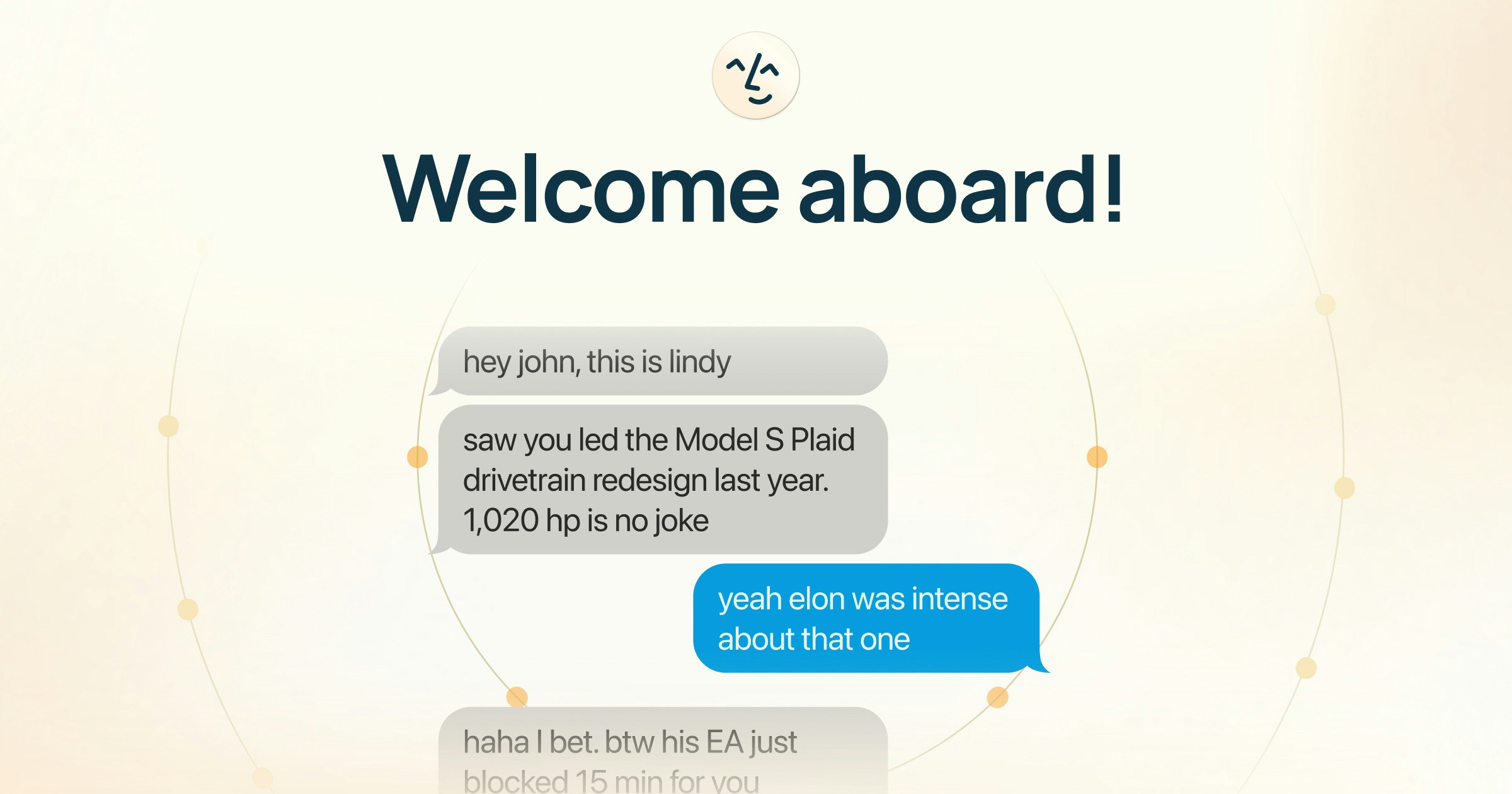
After signing in, you'll be prompted to add your phone number. This is optional but highly recommended. It unlocks **iMessage and SMS**, so you can text Lindy like you'd text a friend.
Enter your number, then verify with the code Lindy sends you.
Lindy will ask you to connect your Google account so it can run your inbox and calendar. Click **Connect**, review the permissions, and allow access.
Your data is encrypted (AES-256), never sold, and never used to train models. Lindy is SOC 2 Type II, HIPAA, and GDPR compliant. [Learn more about security](/resources/security).
Lindy offers a **7-day free trial** with full Pro features. Enter your payment info to get started. You can cancel anytime before the trial ends.
That's it. If you added your phone number, Lindy will text you first. It's already personalized with context from your email, calendar, and meetings. Just text back and put Lindy to work.
## What Lindy Does Automatically
Once you're set up, Lindy starts working right away. No configuration needed. One assistant replaces your entire work stack. Click any feature to dive deeper.
Triages, prioritizes, drafts, and sends replies in your voice — autonomously.
Researches attendees and delivers a briefing before every meeting.
Joins your meetings, records them, and generates interactive, searchable summaries.
Tracks action items and sends follow-up emails to attendees.
Finds times, sends invites, and locks in meetings — no more back-and-forth.
Sends you a morning briefing with your calendar, important emails, and news.
You can customize all of these in your settings at [chat.lindy.ai](https://chat.lindy.ai). Adjust what Lindy labels, how it drafts emails, when you get meeting prep, and more.
## What to Try First
Here are a few things you can delegate to Lindy right now via text or the web app at [chat.lindy.ai](https://chat.lindy.ai):
* **"Prep me for my next meeting"**: Get attendee research and past meeting context
* **"What's on my calendar today?"**: Get a quick rundown of your day
* **"Draft a reply to \[name]'s email"**: Lindy drafts a response in your tone
* **"Schedule a meeting with \[name] next week"**: Lindy coordinates calendars and books it
* **"Summarize yesterday's meeting with \[name]"**: Get key decisions and action items
## Explore More
See how Lindy runs your inbox autonomously
Meeting prep, notes, and automatic follow-ups
Delegate to Lindy from your phone
Research, knowledge bank, and on-demand tasks
Go to [lindy.ai](https://lindy.ai) and click **Try for Free**.
On the **Get Started** page, choose how to sign in. You can use **Google** or your **email address**.
After signing in, you'll be prompted to add your phone number. This is optional but highly recommended. It unlocks **iMessage and SMS**, so you can text Lindy like you'd text a friend.
Enter your number, then verify with the code Lindy sends you.
Lindy will ask you to connect your Google account so it can run your inbox and calendar. Click **Connect**, review the permissions, and allow access.
Your data is encrypted (AES-256), never sold, and never used to train models. Lindy is SOC 2 Type II, HIPAA, and GDPR compliant. [Learn more about security](/resources/security).
Lindy offers a **7-day free trial** with full Pro features. Enter your payment info to get started. You can cancel anytime before the trial ends.
That's it. If you added your phone number, Lindy will text you first. It's already personalized with context from your email, calendar, and meetings. Just text back and put Lindy to work.
## What Lindy Does Automatically
Once you're set up, Lindy starts working right away. No configuration needed. One assistant replaces your entire work stack. Click any feature to dive deeper.
Triages, prioritizes, drafts, and sends replies in your voice — autonomously.
Researches attendees and delivers a briefing before every meeting.
Joins your meetings, records them, and generates interactive, searchable summaries.
Tracks action items and sends follow-up emails to attendees.
Finds times, sends invites, and locks in meetings — no more back-and-forth.
Sends you a morning briefing with your calendar, important emails, and news.
You can customize all of these in your settings at [chat.lindy.ai](https://chat.lindy.ai). Adjust what Lindy labels, how it drafts emails, when you get meeting prep, and more.
## What to Try First
Here are a few things you can delegate to Lindy right now via text or the web app at [chat.lindy.ai](https://chat.lindy.ai):
* **"Prep me for my next meeting"**: Get attendee research and past meeting context
* **"What's on my calendar today?"**: Get a quick rundown of your day
* **"Draft a reply to \[name]'s email"**: Lindy drafts a response in your tone
* **"Schedule a meeting with \[name] next week"**: Lindy coordinates calendars and books it
* **"Summarize yesterday's meeting with \[name]"**: Get key decisions and action items
## Explore More
See how Lindy runs your inbox autonomously
Meeting prep, notes, and automatic follow-ups
Delegate to Lindy from your phone
Research, knowledge bank, and on-demand tasks