

Your On-Demand Assistant
Beyond running your inbox and meetings, Lindy handles one-off tasks whenever you need something done. Just ask.
Works on both surfaces — ask your own Lindy in a DM and the answer is yours alone. Ask in a Slack channel and the whole channel sees the work, which is how the rest of the team picks it up.
Research
Lindy combines your work context (emails, meetings, calendar) with deep web research to give you thorough, relevant answers.- Prep for a meeting: “Research [company] before my meeting tomorrow.” Lindy pulls company info, recent news, and cross-references with your past interactions
- Industry research: “What’s the latest on [industry topic]?” Web research grounded in what’s relevant to your work
- Summarize content: Send any URL or YouTube link and get the key points back
- Competitive intel: “What is [company] announcing this quarter?” Lindy finds public info and connects it to your deals and conversations
- People research: “What do I know about [name]?” Lindy pulls from your emails, meetings, and the web
Knowledge Bank
Lindy remembers everything from your past emails and meetings. Ask questions anytime:- Recall conversations: “What did [name] say about pricing in our last call?”
- Find emails: “Find the email where [name] sent the contract”
- Check history: “When was my last meeting with [company]?”
- Surface action items: “What were the action items from last week’s team sync?”
- Track commitments: “What did I promise [name] I’d send them?”
Ask Lindy To…
Calendar and scheduling
Calendar and scheduling
- “Block 2 hours for deep work this week”
- “Move my 3pm to Thursday”
- “What does my week look like?”
- “Schedule a 30-min call with [name] next week”
- “Cancel my meeting with [name] tomorrow”
Email
- “Draft a reply to that last email from [name]”
- “Follow up with [name] if they don’t reply by Wednesday”
- “What emails need my attention right now?”
- “Draft a cold intro to [name] at [company]”
Meetings
Meetings
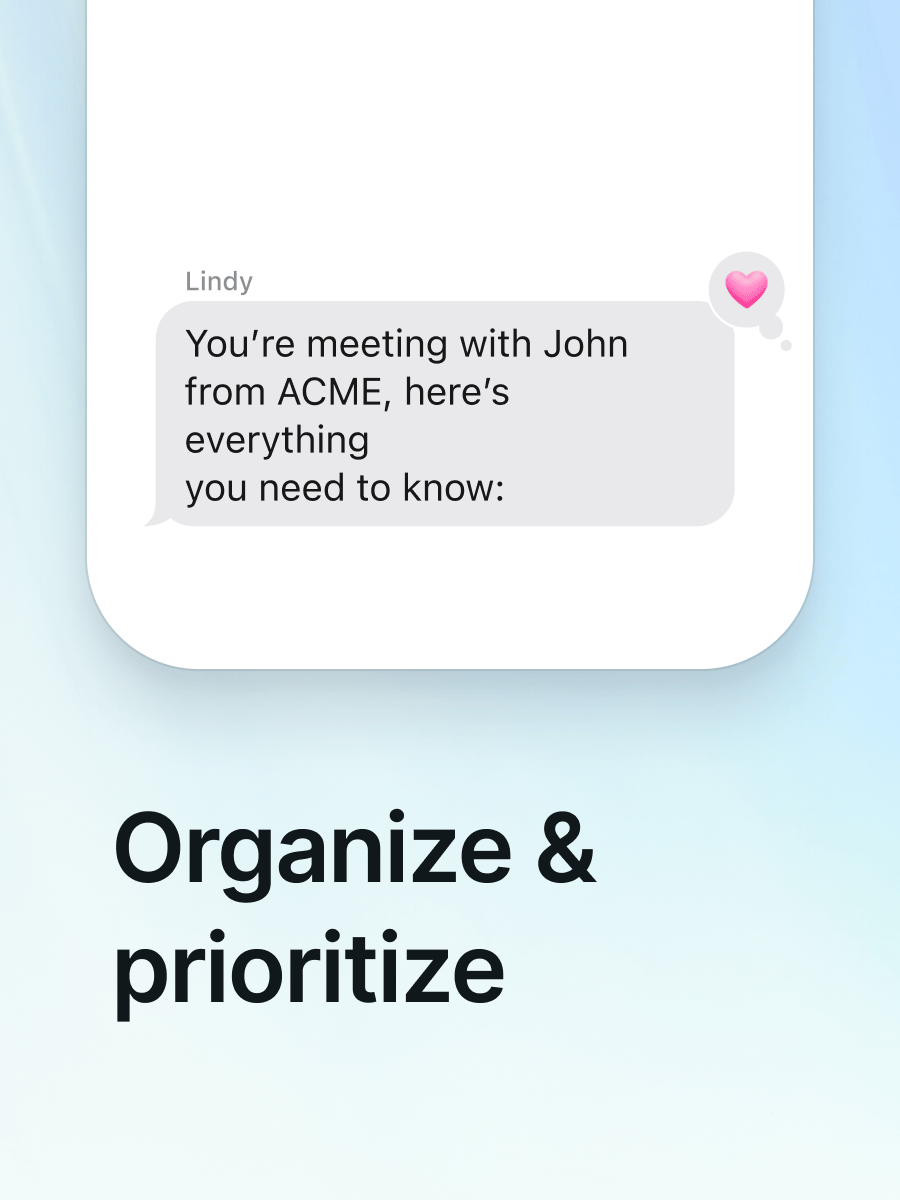
- “Prep me for my next call”
- “Research [person/company] before my 2pm”
- “Send [name] a recap with next steps”
- “What action items came out of today’s meetings?”
Reminders
Reminders
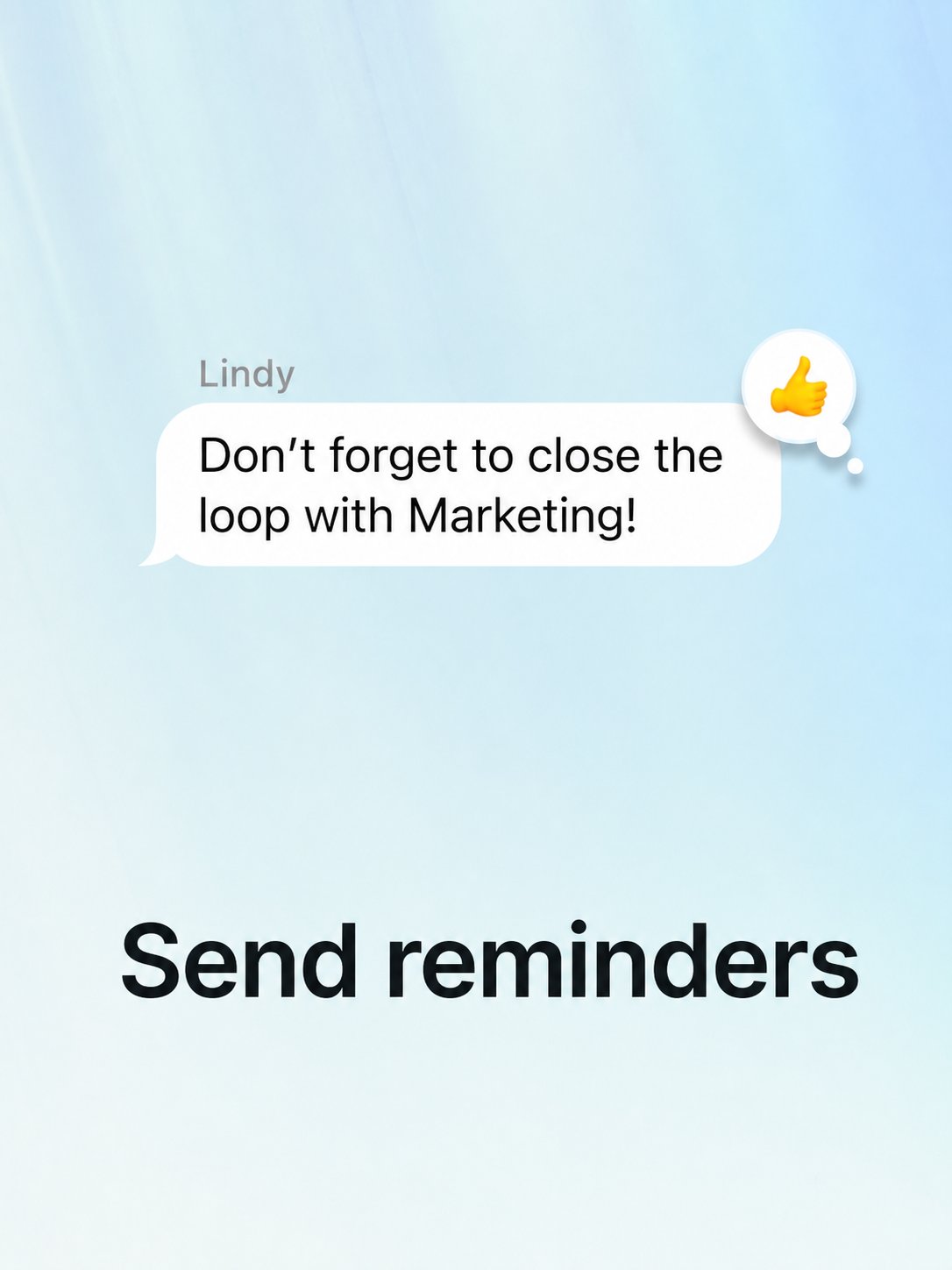
- “Remind me to follow up with [name] on Thursday”
- “Remind me every Monday to review my pipeline”
- “Check in with me at 5pm about whether I finished the proposal”
Research
Research
- “Summarize this” + paste a link
- “What’s [company] been up to lately?”
- “Find a restaurant near [location] for a client dinner”
Daily habits
Daily habits
- “Send me my wins at 8pm every day”
- “Text me my top 3 priorities every morning at 7am”
- “Recap my day at 9pm as a voice note”
Tasks
Tasks
- “Add [task] to my to-do list”
- “What’s still on my list from this week?”
- “What did I commit to after yesterday’s meetings?”
Personal
Personal
- “Find a gift under $100 for [name]”
- “Book a reservation for 2 at [restaurant] Saturday night”
- “What’s coming up this week I might forget?”
Next Steps
iMessage & SMS
Delegate to Lindy from your phone
Inbox Management
How Lindy runs your inbox autonomously
Meeting Assistant
Meeting prep, notes, and follow-ups