

Personal routine — runs for you alone, in your own Lindy. It books against your calendar and your availability. Routines that run for the whole team are Workspace routines.
Let Lindy Handle Scheduling
Just delegate the meeting. Lindy finds the time, sends the invite, and puts it on your calendar. No scheduling links, no back-and-forth emails.Three Ways to Schedule
However a meeting comes up, Lindy can handle it. Pick whichever fits the moment:Set Your Availability
Lindy books only within the availability you set, so every option below lands on a time that actually works for you. Set your rules in plain language: preferred hours, buffers between meetings, blocked times, default meeting length, and meeting types. Update them anytime, and they apply to all three ways to schedule.Meeting scheduling is a built-in routine. On the Routines page, open the Personal tab and click the Meeting scheduling card to turn it on and set your hours, buffers, and calendar rules.
1. CC-Based Scheduling (Coming Soon)
CC your Lindy assistant’s email address on any thread where you’re trying to find time, and Lindy takes over as your scheduling assistant. It reads the thread, checks your calendar, and handles the rest: no questions, no back-and-forth.1
CC Lindy on a scheduling thread
Add your Lindy email address to the CC line of an email where you and the other person are trying to find a time. The CC is the signal for Lindy to step in.
2
Lindy reads the thread and takes over
Lindy pulls the details from the thread (duration, date range, time of day, attendees, timezone) and fills any gaps with sensible defaults. If you’ve already agreed on a time, it books it. If not, it replies once with 3 open slots as clickable links.
3
The meeting gets booked
The meeting books automatically on your calendar with invites sent, exactly like Smart Scheduling above.
Two ways it plays out
When the time’s already agreed, Lindy books it. When you still need a time, Lindy proposes three slots. Either way, the Cc is all it takes.The time’s already agreed
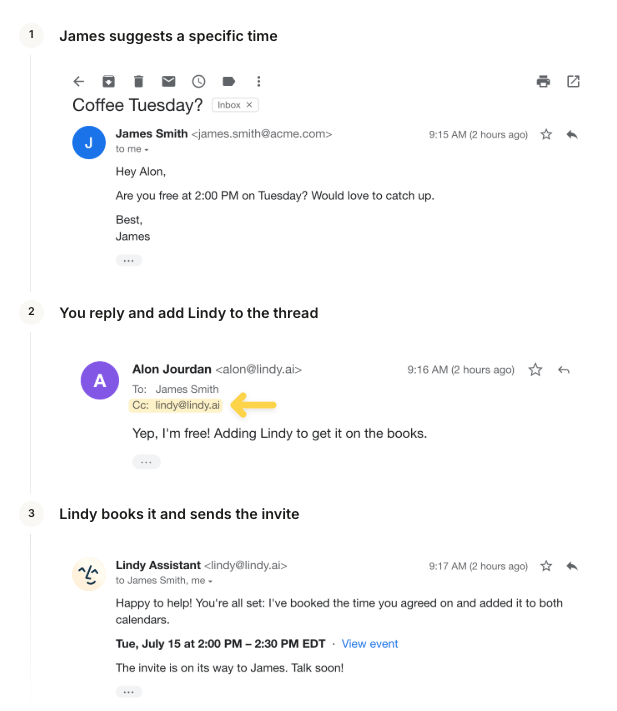
You still need to find time
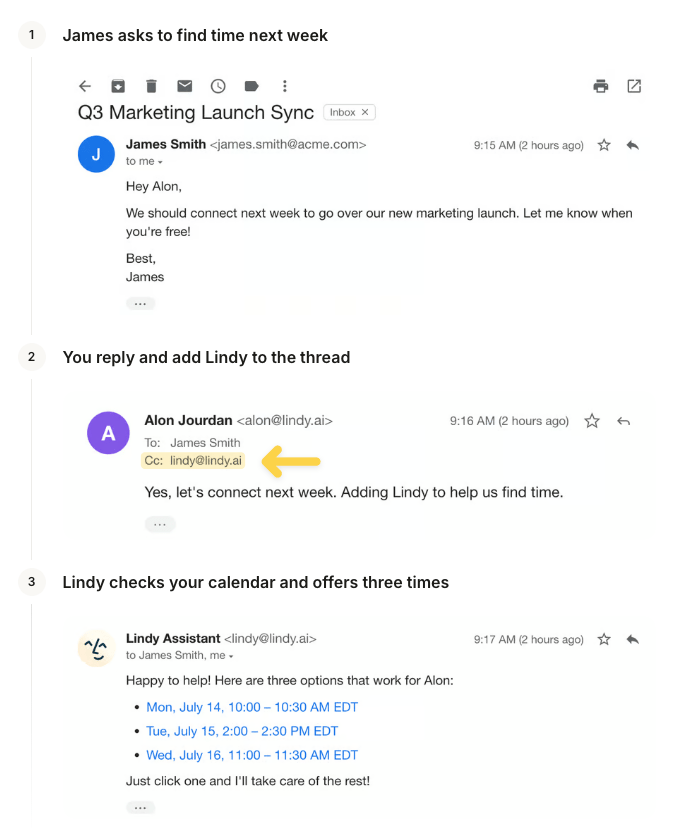
Lindy only acts when both are true: your Lindy email is on the CC line, and the thread shows scheduling intent (“let’s find time”, “can we grab 30 min?”). CC without a scheduling ask, or a scheduling ask without the CC, won’t trigger it.
2. Drafting Scheduling
When someone emails you about scheduling a meeting, Lindy detects the request and offers times in a draft reply on your behalf. Your recipient picks one in a single click and the meeting drops onto both calendars.- When someone emails to schedule, Lindy offers times in a draft reply
- Recipients book a slot in one click, with no back-and-forth
- Save ~3 minutes per invite
1
Someone emails you asking for a time to meet
Lindy detects the scheduling request and takes over, with no action needed from you.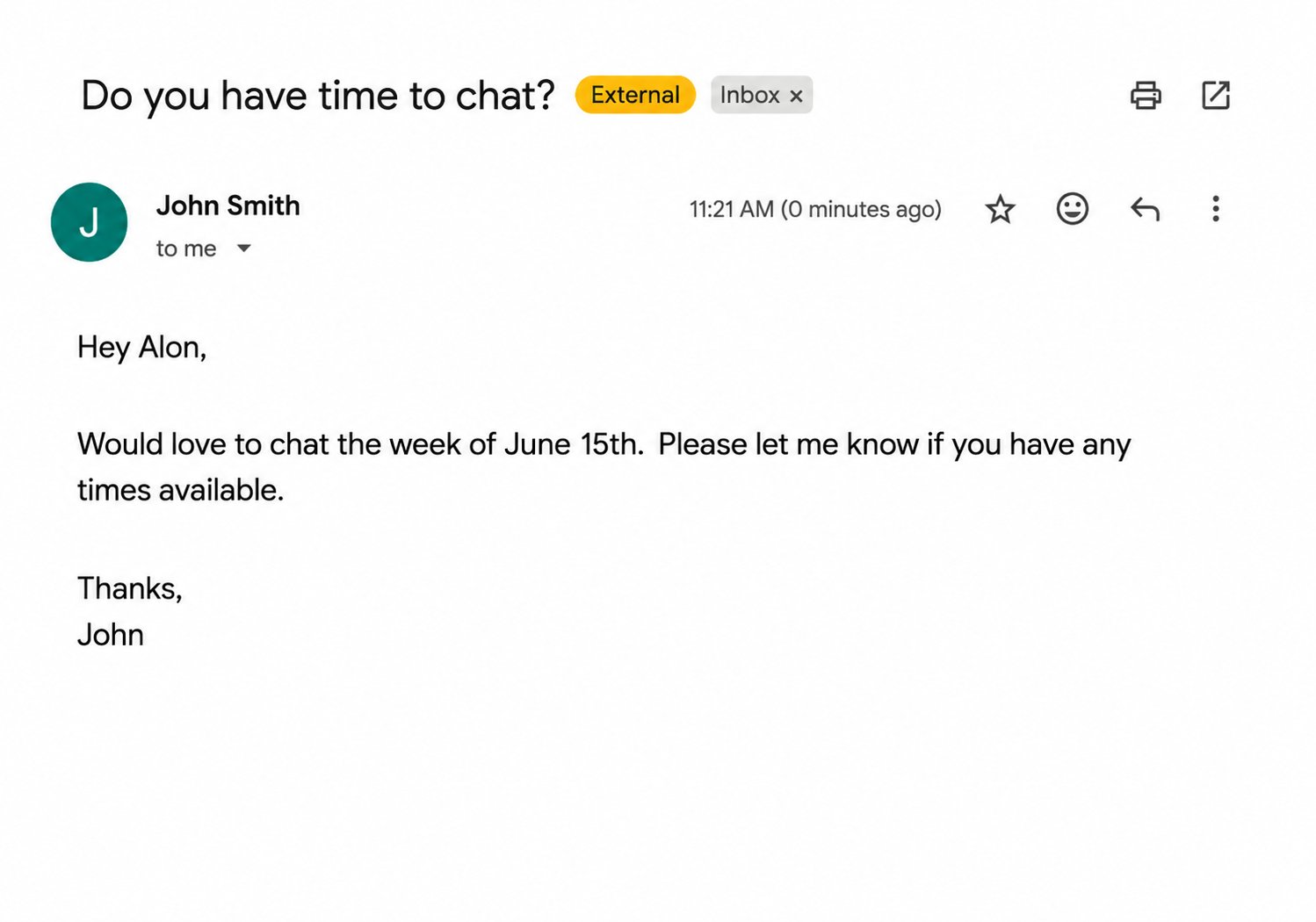
2
Lindy drafts a reply with 3 available times
Based on your preferred hours, buffer time, meeting length, and calendar availability, Lindy drafts a reply with three open slots as clickable links.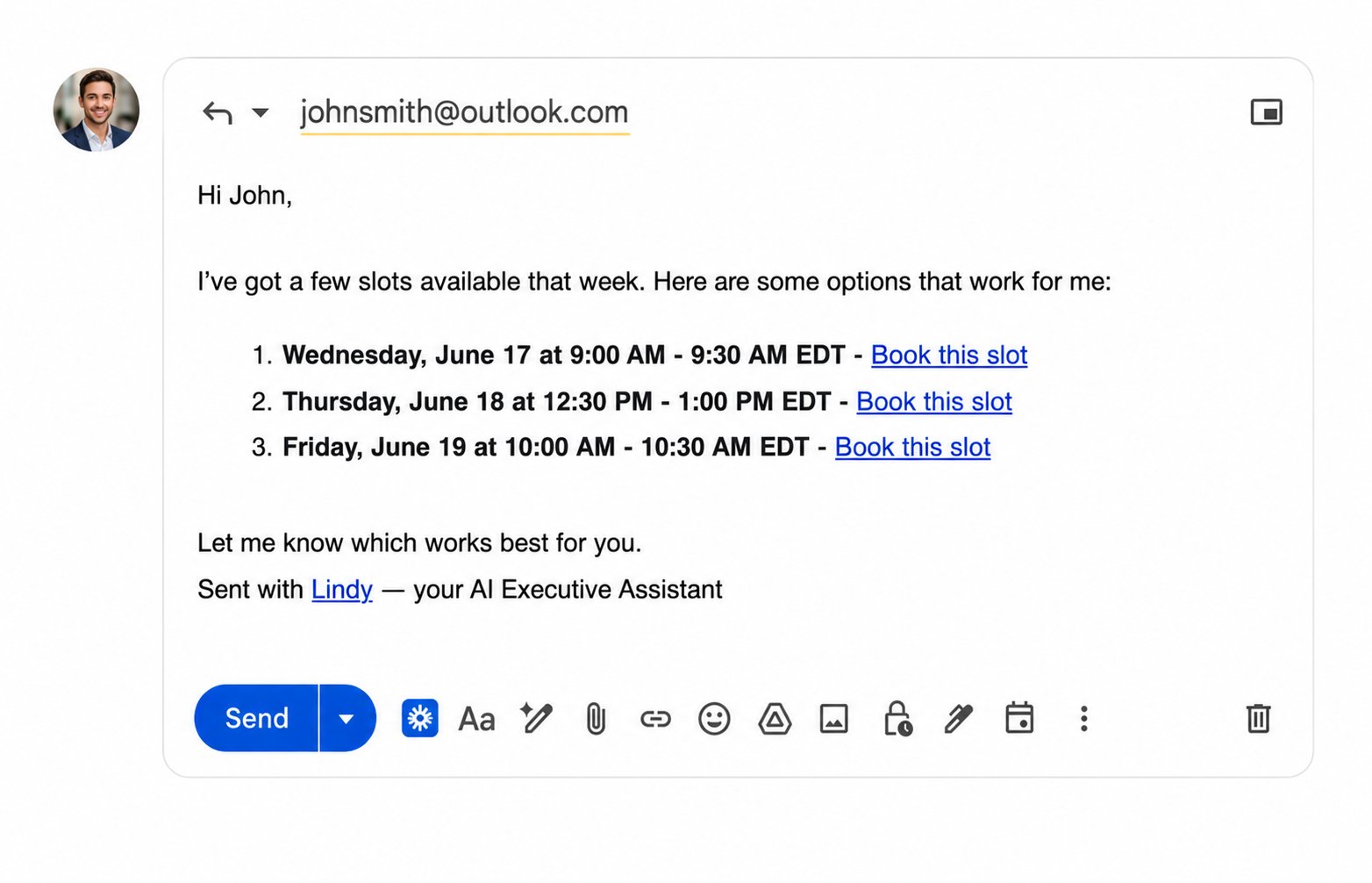
3
They click a time and it's instantly booked
When the other person clicks a link, the meeting is automatically added to both calendars. No back-and-forth, no scheduling tools, no manual entry.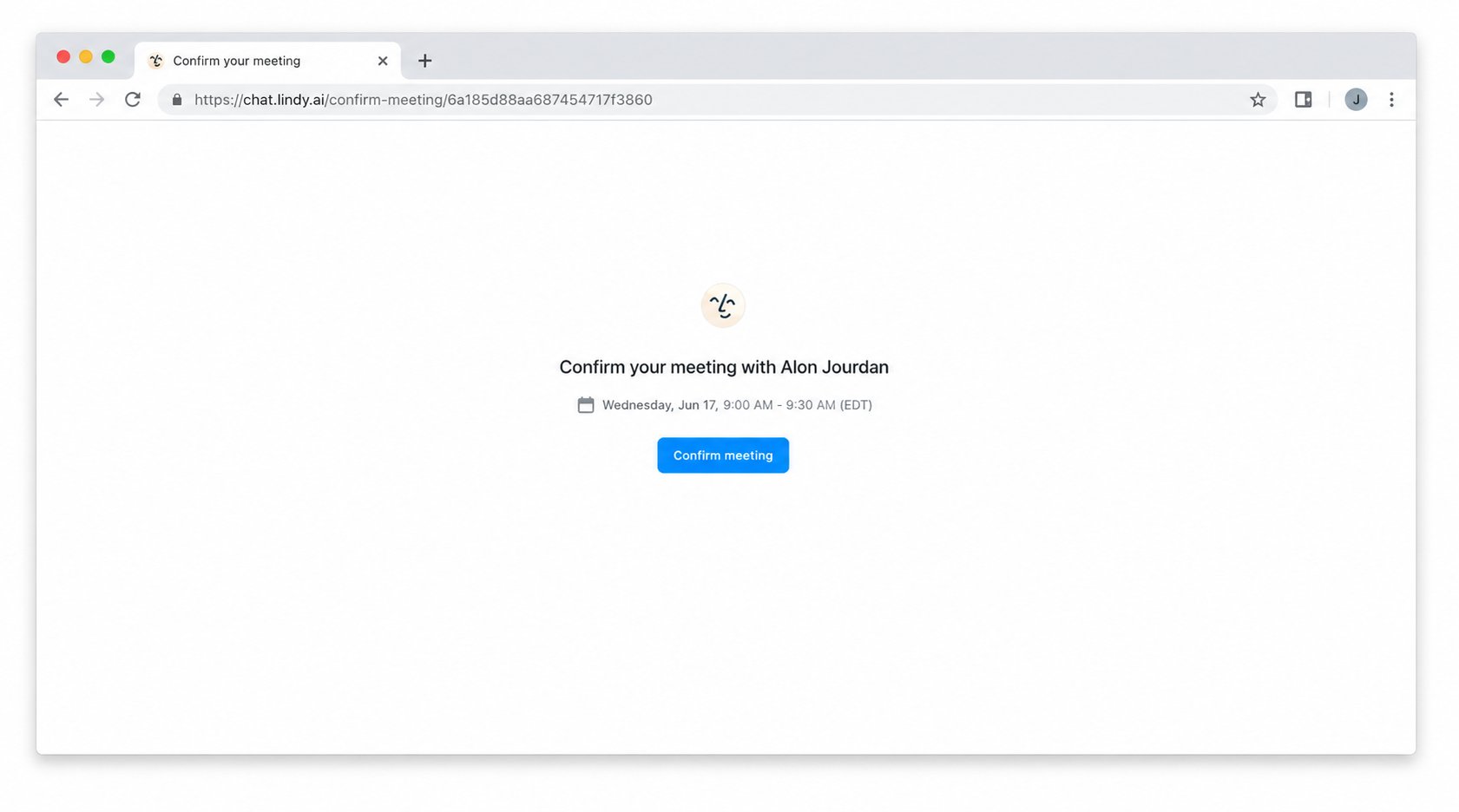
3. Ad Hoc Scheduling
When you want Lindy to handle scheduling on your behalf, just ask. Text or message it and it finds the time, reaches out, and locks it in.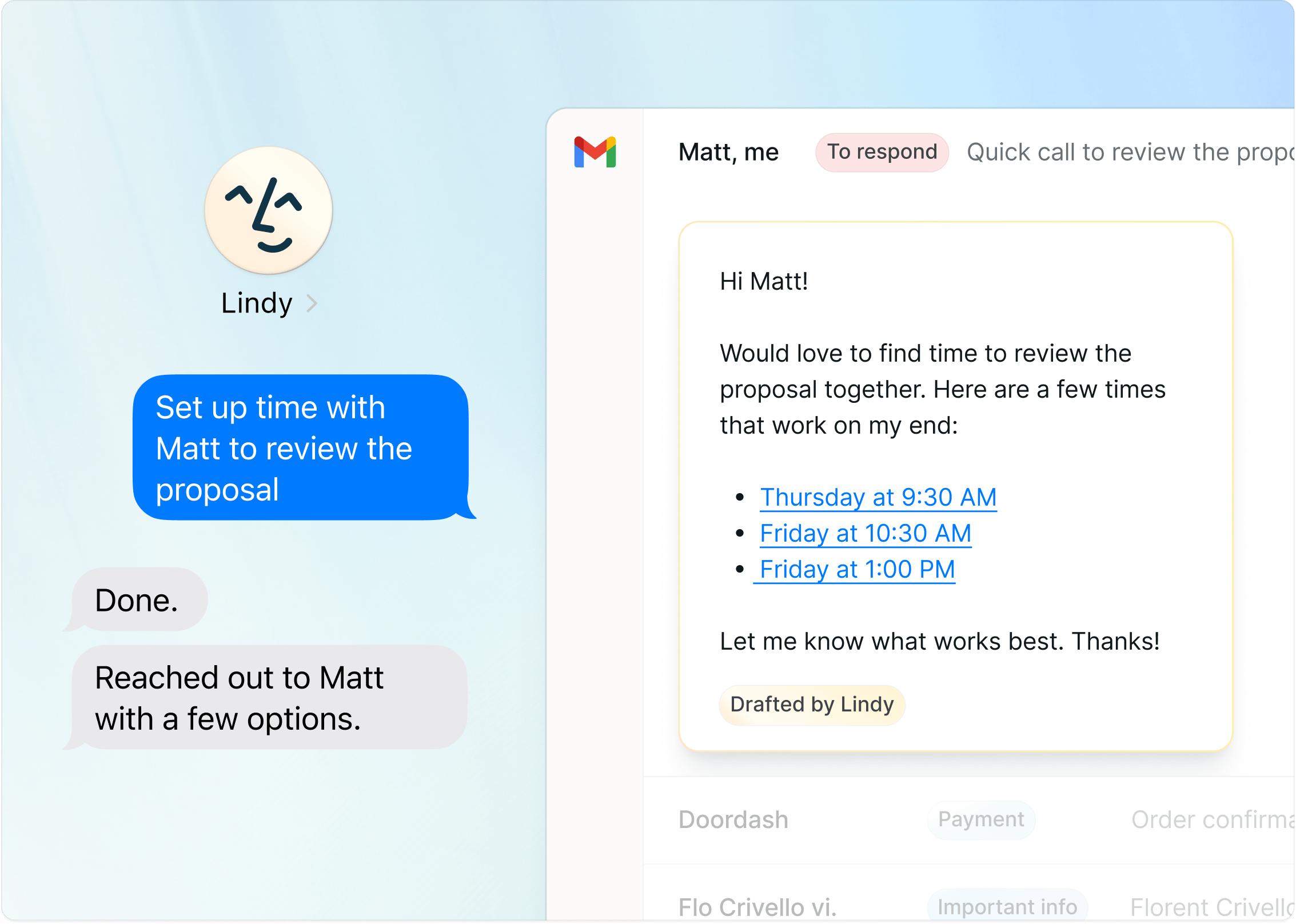
Add or Update Events on the Fly
Use Lindy to add events to your calendar or change them with one line of text:- “Add a meeting location”
- “Pick a restaurant for the client dinner”
- “Swap the venue and notify attendees”
- “Move my 2pm to Thursday”
- “Cancel my call with [name]”
End-to-End Outreach
Or send Lindy on a mission and let it run the whole loop:“Find time with Bob on Saturday”It reaches out, proposes times, locks the meeting in, and adds it to your calendar.
Recurring Routines
Set up recurring workflows with one text:“Every week, audit my calendar and make sure I have a 45-min walk break at least once a day”
Internal Calendars
Lindy can check any teammate’s calendar that’s shared with your workspace, so you can ask it to find time between people on your team without any back-and-forth.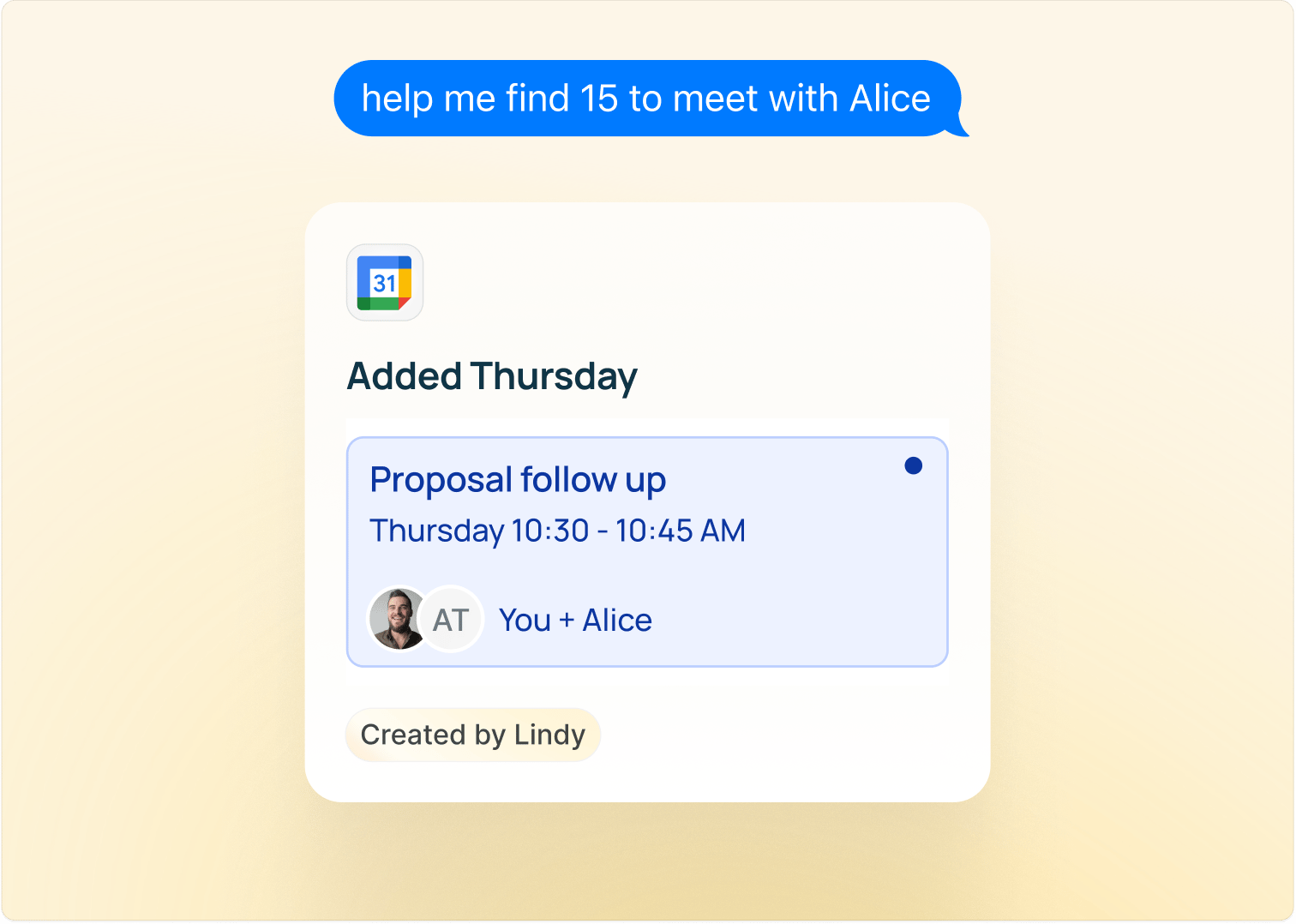
How to Delegate
- iMessage / SMS: “Book a call with Sarah next Tuesday afternoon”
- Web app: chat at chat.lindy.ai
Next Steps
Meeting Prep
Get context before every meeting
iMessage & SMS
Everything you can delegate by texting Lindy