

Text Lindy, Anywhere
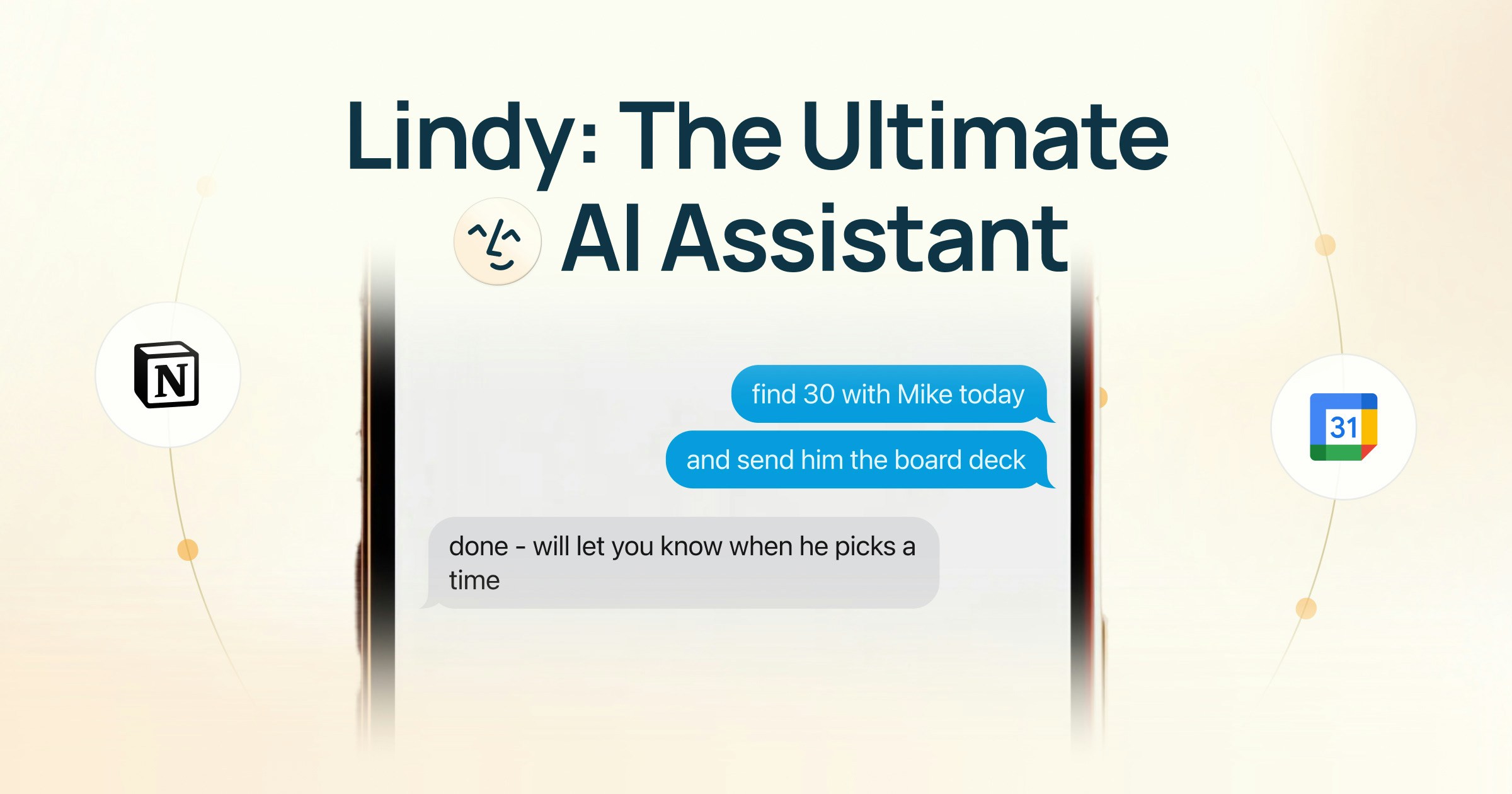
Your personal Lindy — texting reaches the Lindy that knows your email, calendar, and meetings. The Lindy your team shares lives in Slack channels.
Getting Set Up
Add your phone number during signup and verify with a confirmation code. That’s it. Lindy sends you your first message, already personalized with context from your email and calendar. Just text back.What You Can Delegate
Calendar & Meetings
- Schedule a meeting: “Set up a 30-min call with Sarah next Tuesday”
- Ask about past meetings: “What did we decide in last week’s standup?”
- Prep for your next meeting: “Brief me on my 2pm meeting”
- Let someone know you’re running late: “Tell my next meeting I’ll be 5 minutes late”
- Set up email alerts: “Text me when I get an email from [name]”
- Search your inbox: “Find the last email from [name] about the proposal”
Quick Tasks
- Summarize a link: Send a YouTube video or any URL and Lindy gives you the key points
- Find contact information: “What’s [name]‘s email?”
- Voice notes: Send a voice note and Lindy transcribes and acts on it. You can also turn voice notes into Notion pages (requires Notion to be connected via text)
Time & Priorities
- Audit your time: “How did I spend my time this week?”
- Prioritize your day: “What should I focus on today?”
- React to changes: “My 3pm cancelled, what should I do with that time?”
Recurring Tasks
- Daily briefings: “Send me a briefing every morning at 7am” (includes your calendar, important emails, weather, and news)
- Reminders: “Remind me to follow up with [name] on Friday”
- Standing instructions: “Every time I finish a meeting, send the notes to Slack”
Good to Know
Lindy gets better over time
Lindy gets better over time
The more you use Lindy, the better it understands your preferences, priorities, and communication style. Give feedback directly: “That draft was too formal” or “Always CC Becky on those.”
Works on any phone
Works on any phone
iMessage works on iPhone. SMS works on any phone. Lindy adapts to whichever you’re using.
Troubleshooting
Lindy stopped responding
If Lindy stops replying to your texts, try these two steps in order:- Re-verify your phone number. Go to chat.lindy.ai, click your username in the top-left, select Settings → General, and delete the phone number shown there. Then re-enter your number and verify with the code Lindy sends you.
- Wake the assistant from your phone. Open chat.lindy.ai in your mobile browser, find your Lindy Assistant’s contact card, and tap “Start a conversation” to send a quick hello. That refreshes the contact and wakes the assistant back up.
Not receiving texts
If you’re not receiving text messages, ensure your Text message service is aligned with your device settings. To update this, in Lindy’s web UI, go to Settings → General → Text message service.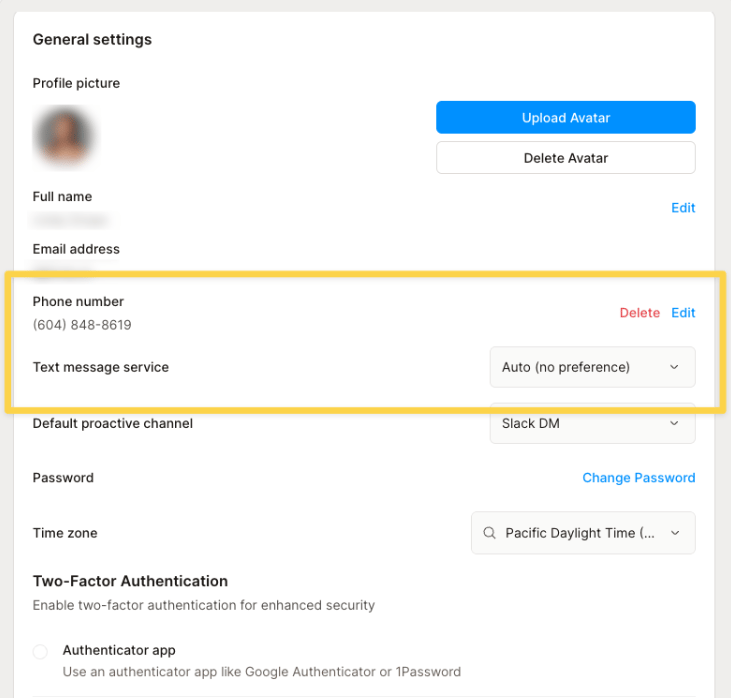
Next Steps
Ad Hoc Tasks
Research, knowledge bank, and on-demand tasks
Inbox Management
How Lindy runs your inbox autonomously
Meeting Assistant
Meeting prep, notes, and follow-ups