

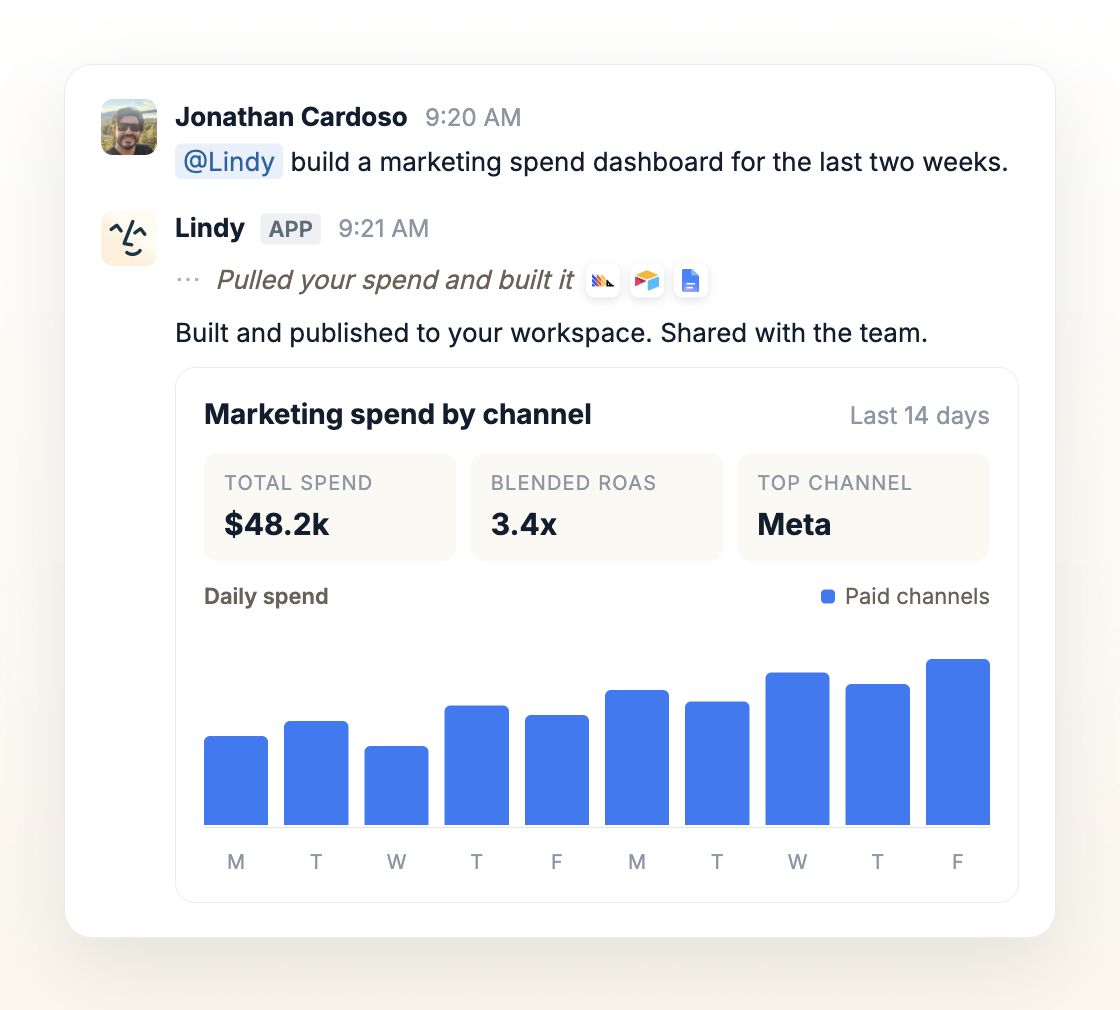
lindy.link address.
Anything that renders in a browser works: live dashboards, weekly reporting, call prep pages, design prototypes, generated assets, one-off internal sites.
Every artifact starts private
A new artifact is private. Signed-in members of your workspace can open the link. Anyone outside it gets This artifact is private, even with the exact URL. That default is deliberate. Artifacts get built out of your real work: inbox content, meeting notes, revenue numbers. Copying the URL never bypasses the permission.Private means private to your workspace, not to you alone. A teammate who is signed in can open any artifact in the workspace, which is why a link you paste in a channel just works for the team and not for anyone outside it.
Sharing one publicly
Ask Lindy to publish it: “make that dashboard public” or “give me a shareable link.” Lindy asks you to approve first, same as any other write action, and returns the public URL once you do. Ask Lindy to unpublish it and the link goes offline, back to workspace-only.Keeping one up to date
Ask for changes and Lindy rebuilds the page on the same URL, so a link you already shared keeps working and shows the current version. That is the point of a hosted page over an exported file: the people you sent it to see this morning’s numbers, not the copy you emailed on Tuesday.What teams build with them
Relevant Docs
Ad-hoc tasks
Ask Lindy for a piece of work and get the finished thing back
Routines
Have Lindy refresh an artifact on a schedule