

These are for your personal Lindy — the one in your DMs that knows your inbox, calendar, and meetings. The more it knows about you, the less it has to ask. The Lindy your team shares works differently: see Slack Commands.
Pin Lindy in iMessage
So it’s always one tap away.Make Sure to Tweak Your Settings
Configure Lindy’s behavior through the web interface, or simply ask it in plain language — it’ll update the settings for you and tell you where to fine-tune.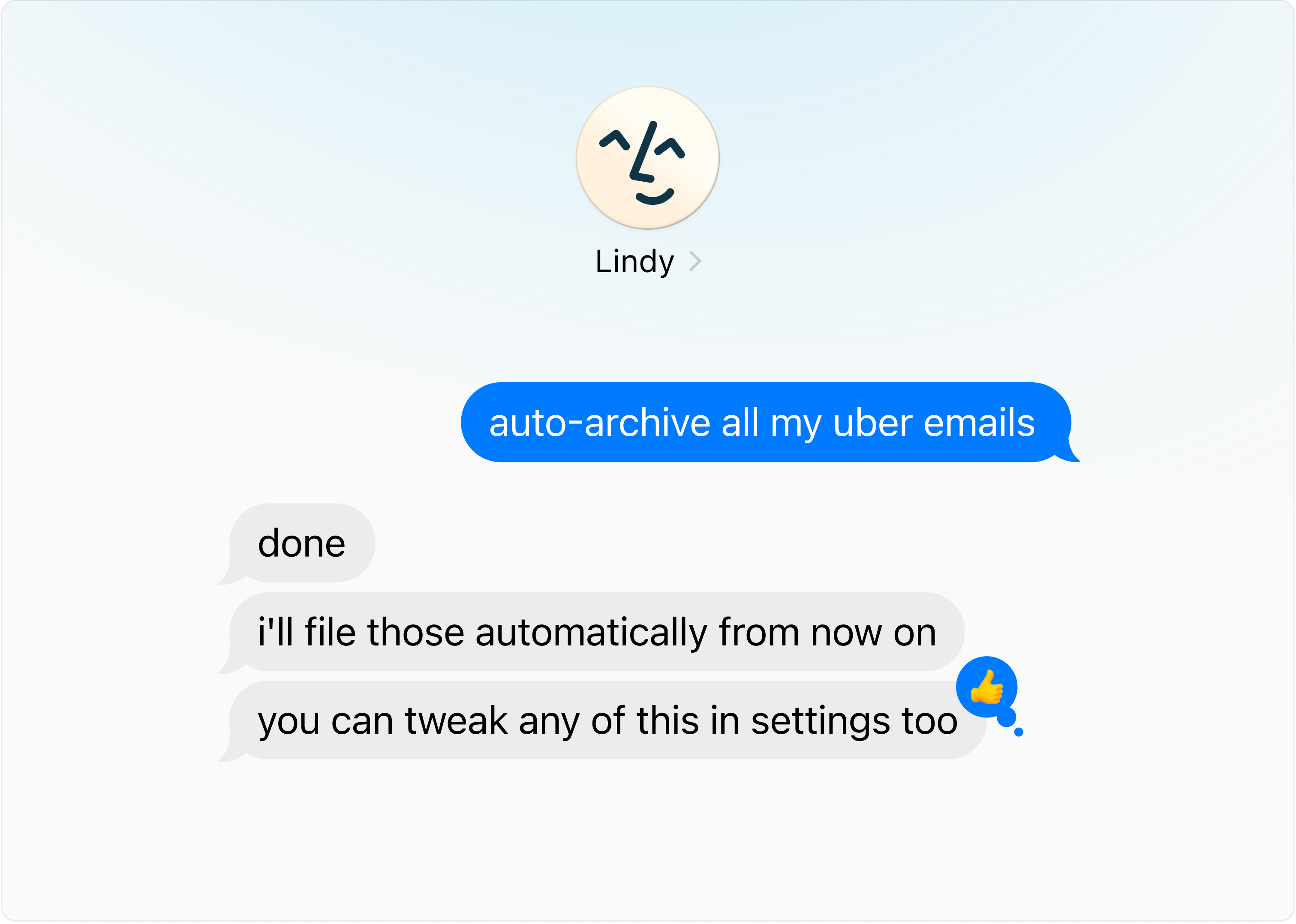
Give Lots of Feedback
Lindy gets better the more you use it. If it gets anything wrong, just share quick feedback and it’ll learn from it.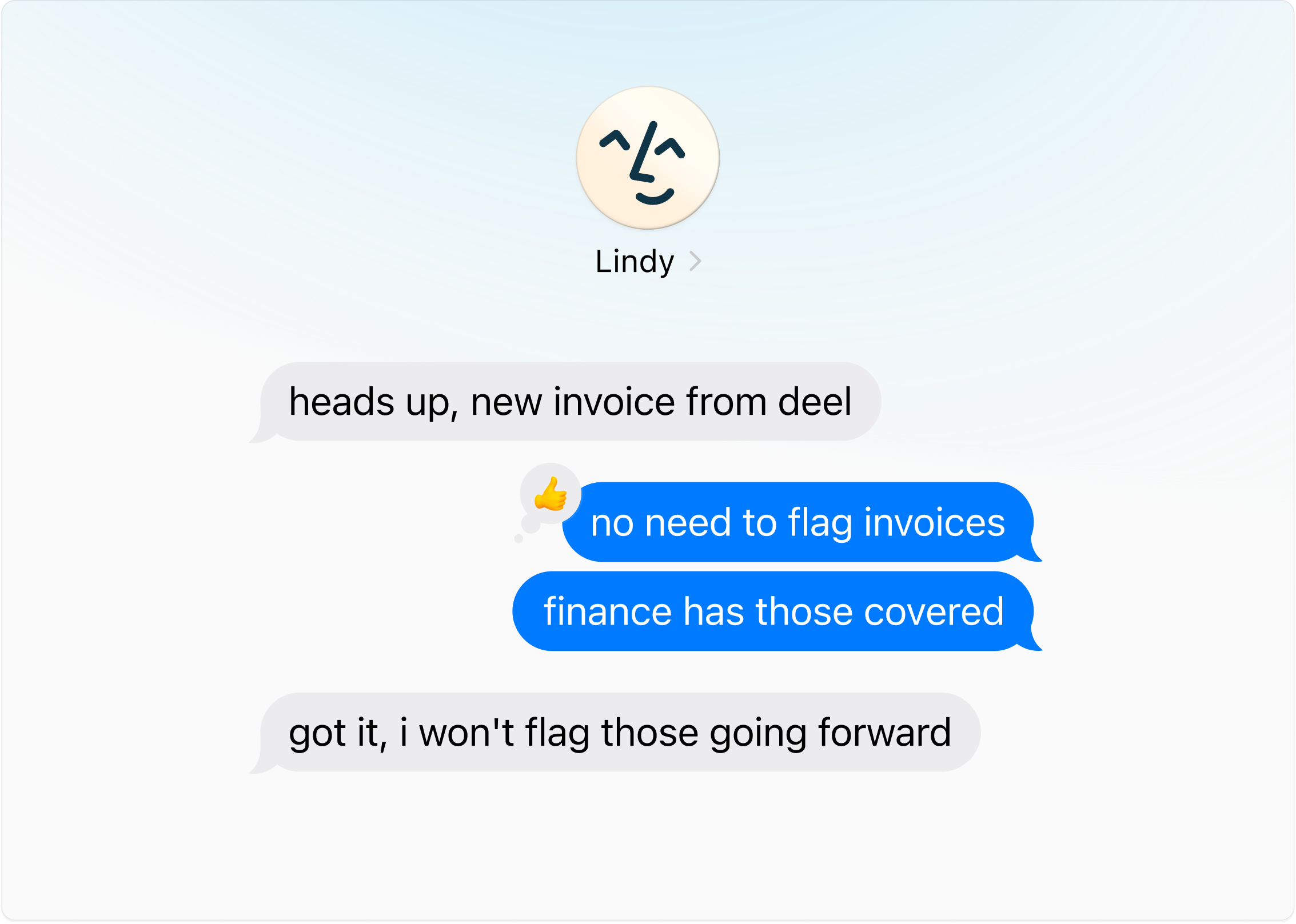
Text Lindy Like You’d Text a Human Assistant
Tell Lindy the outcome: it handles the back-and-forth.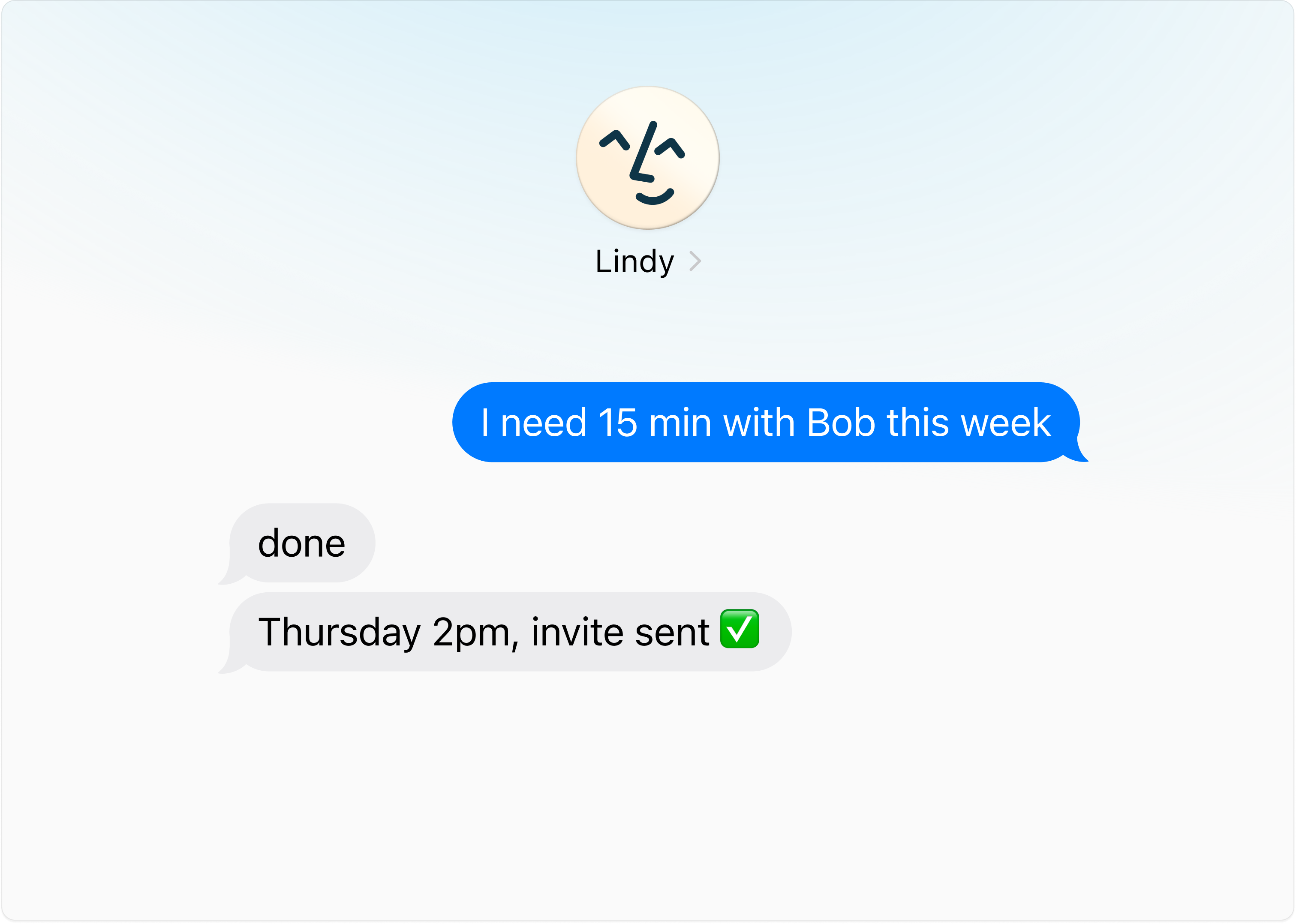
Get Things Out of Your Head
“Remind me Friday.” “Tell me when Sarah replies.” “Follow up with Acme if they go quiet for a week.” Hand it the loop, then forget it.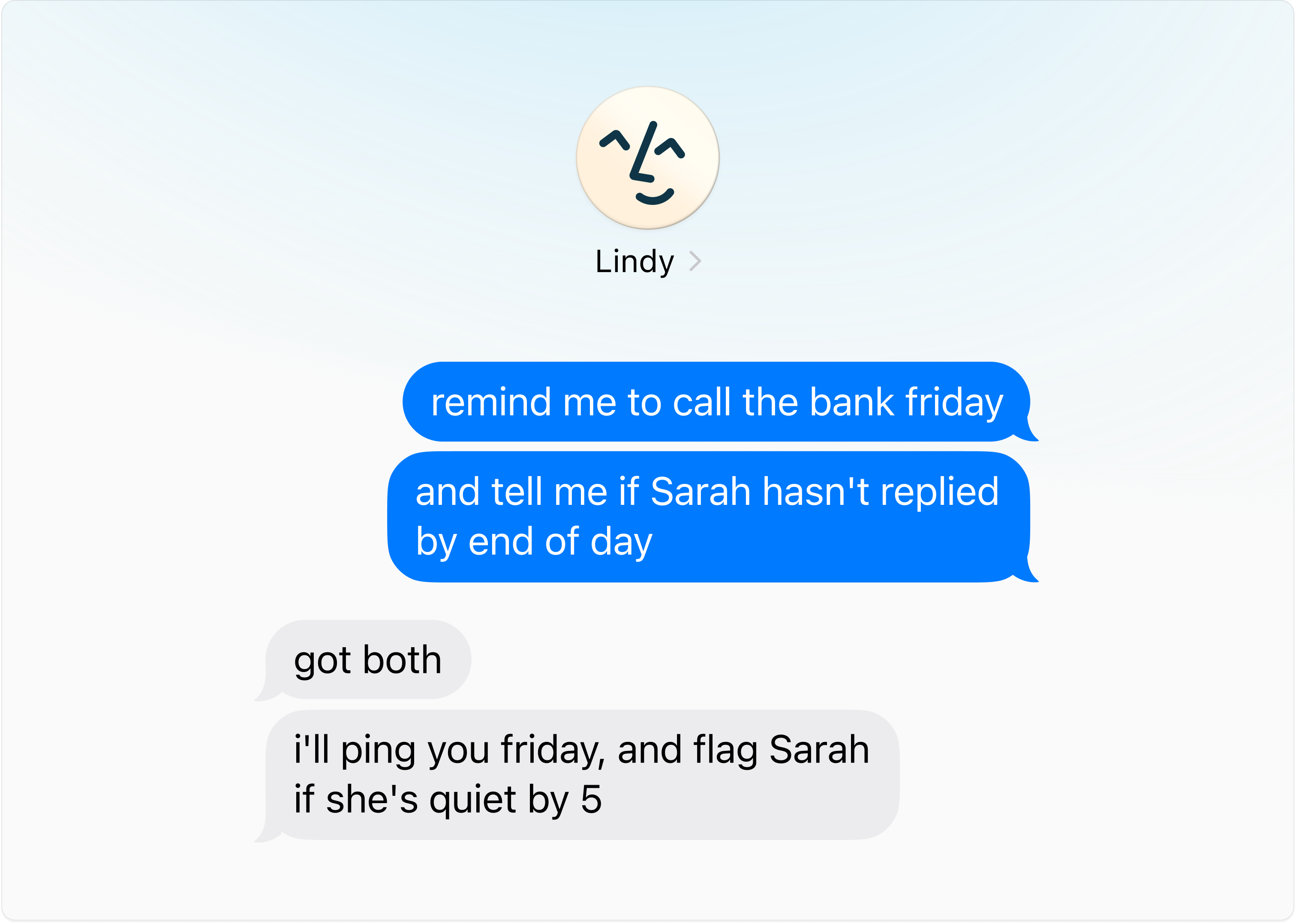
Use Voice Memos
The easiest way to brain dump on Lindy. Hit the voice button in iMessage and talk like you’re handing off to a human assistant.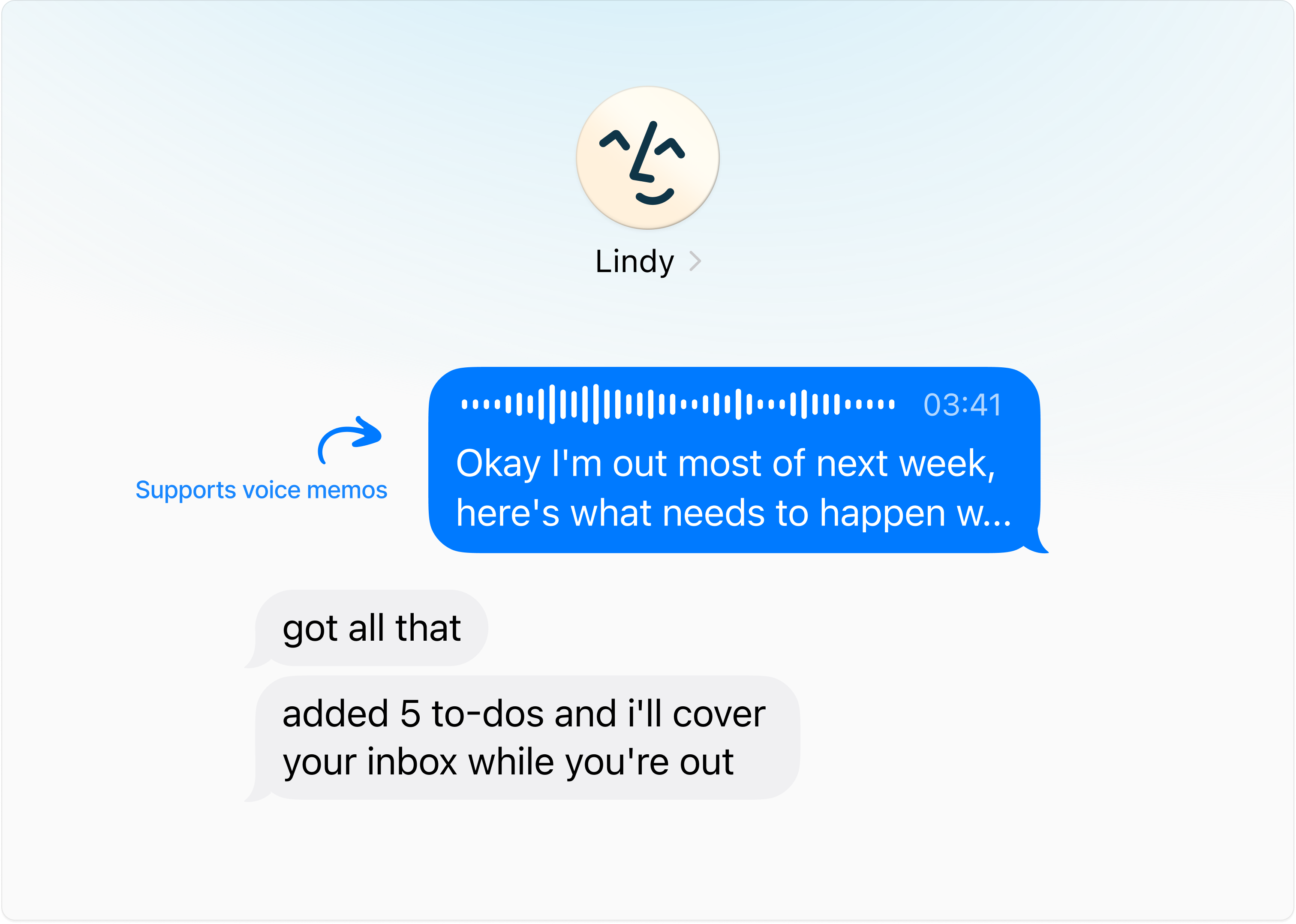
Give Lindy Lots of Information (Over Voice Memo)
The more Lindy knows about you, the better it can help. Open iMessage, hit the voice button, and brief it like a new hire: five minutes covers a lot.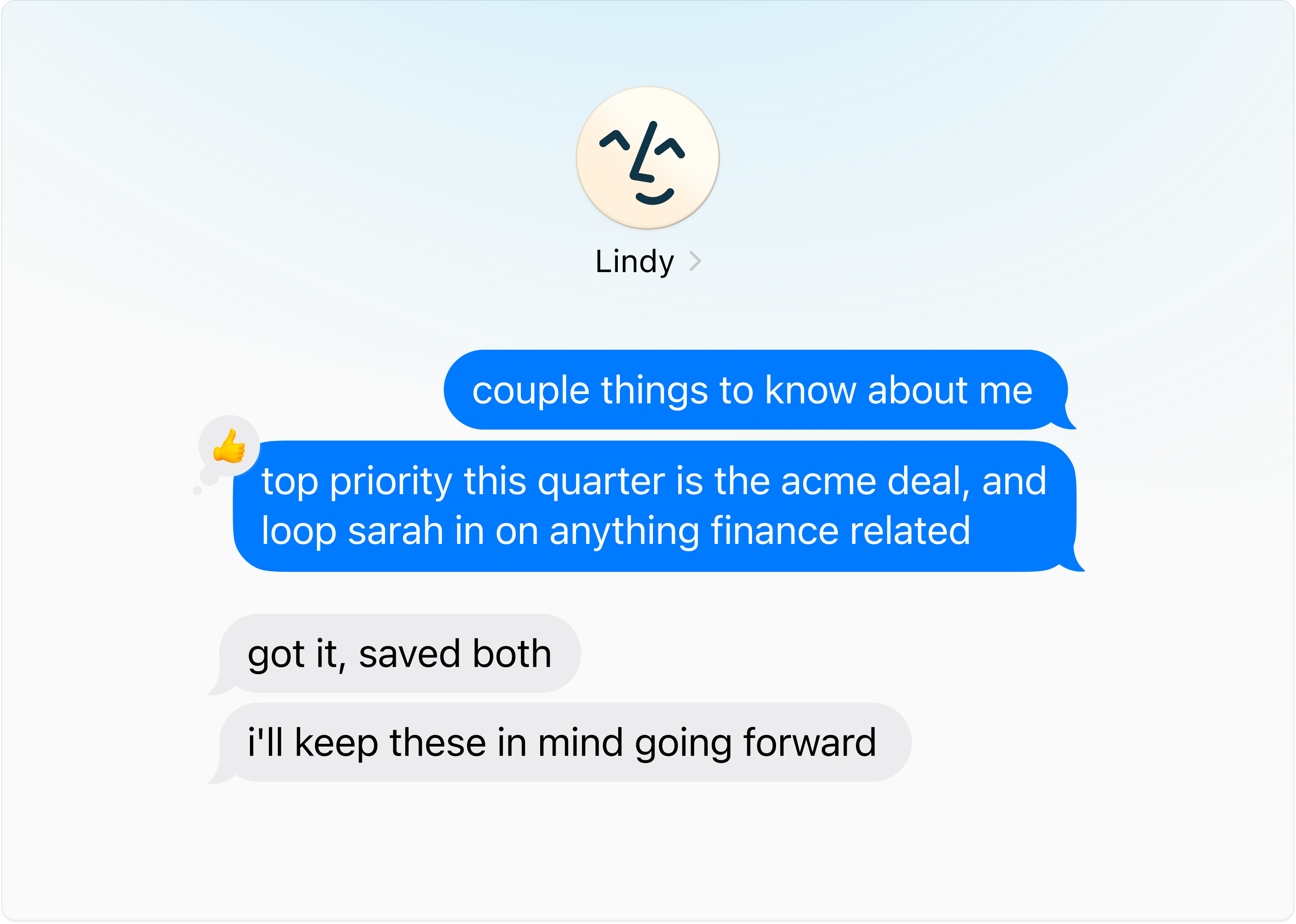
Start Here
Four things Lindy needs on day one:
- Your name, role, and company
- What you spend most of your day doing
- Things eating too much of your time
- Your work hours and time zone
Everything below is optional. Share it whenever, in any order.
Daily Basics
- Calendar: Protected blocks, preferred meeting length, buffer time, ideal meeting windows.
- Meetings: Which meetings Lindy should join or skip. Post-meeting tasks that eat your time (follow-ups, CRM updates, Slack notes).
- Email: Most important contacts, emails to alert you about, emails to auto-archive.
- Briefings: Text or voice recap, time to receive them, content to include (news, quotes, etc.), whether you want an end-of-day brief.
All About You
- Priorities: Top priorities, projects to protect time for, KPIs you’re tracking.
- Personal: Partner/kids/family names, recurring obligations, favorite restaurants, dietary restrictions, go-to gift ideas.
- Working style: What a good day feels like, how direct you want feedback, routines Lindy should support, times you do your best thinking.
- Tools: Your productivity stack, where tasks live today, how aggressive reminders should be, recurring annual reminders.