

Before you start
Connect your Google Calendar in Integrations, with permission for Lindy to create events. Booking links use your own connected calendar. If you have several Google accounts, you can choose which one a link books on.Create and share a link
1
Open Booking links
Open Meetings, find Booking links, and click Create custom. You can also start with one of the suggested meeting types.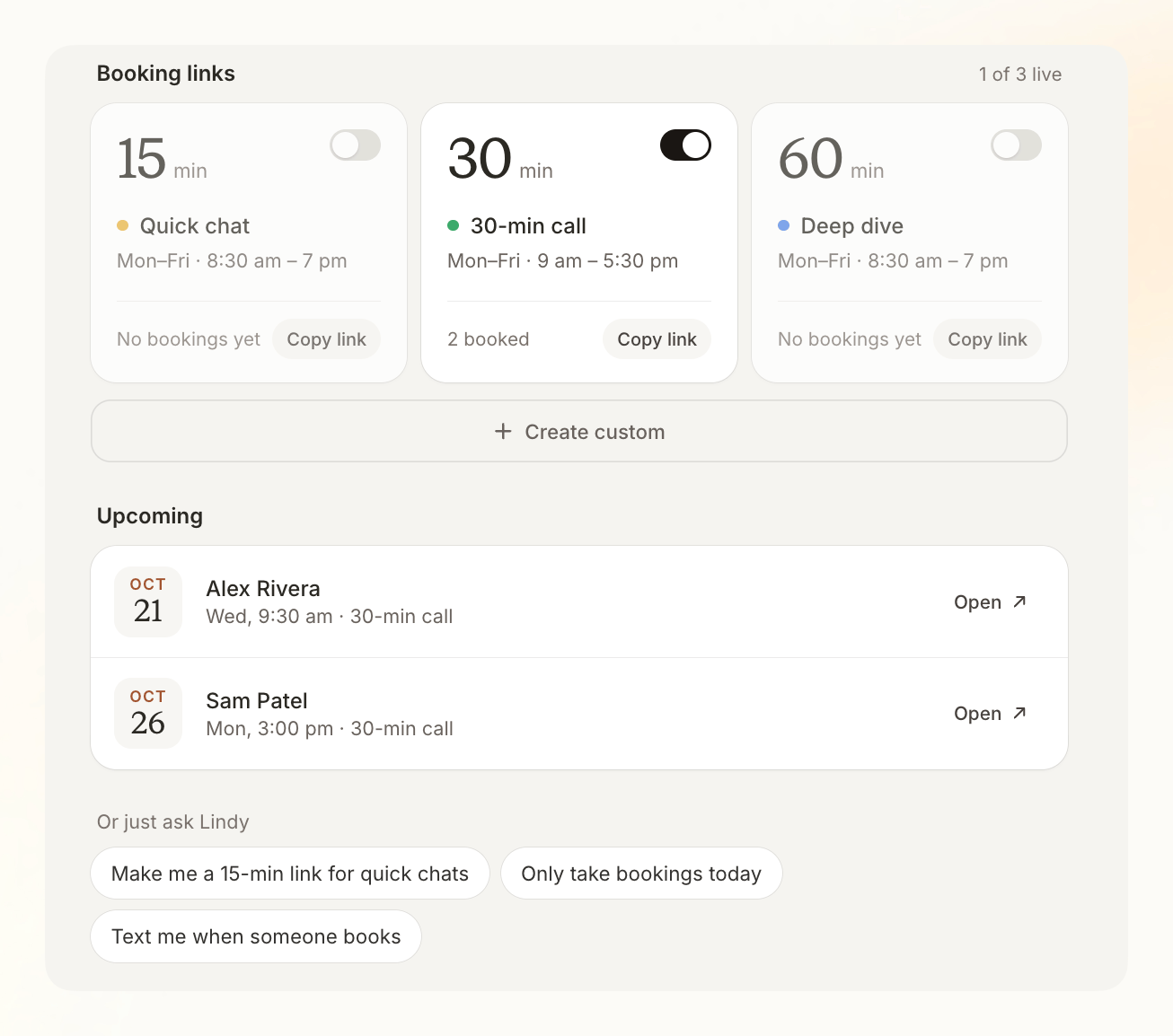
2
Set up the meeting
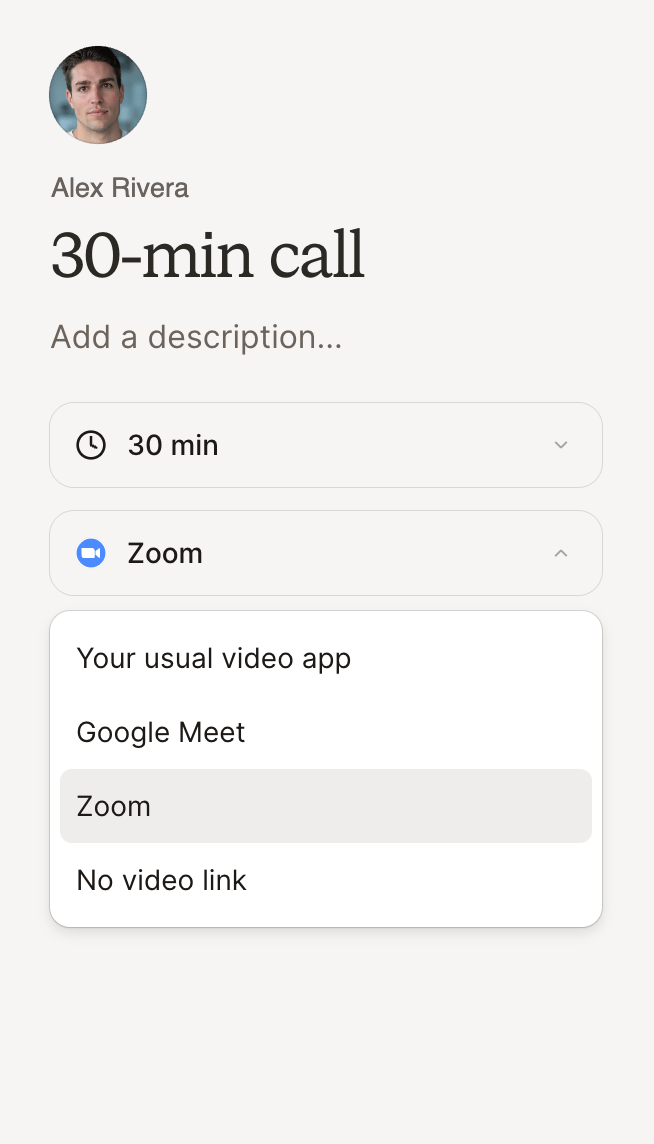
Enter a title and description, then choose the meeting length and video app. Use your usual video app, Google Meet, connected Zoom, or no video link.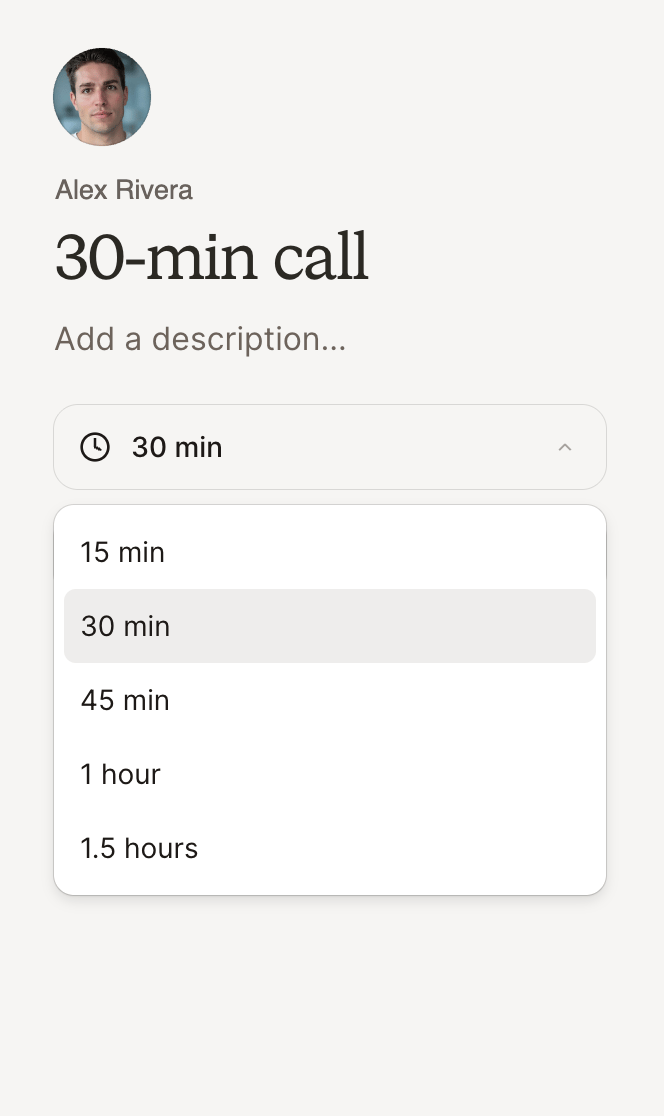
- Meeting length
- Video app
3
Copy and share
Click Copy link on the meeting card. Paste it into a message, your email signature, or your website. Open the link yourself to check what guests will see.
Adjust availability and settings
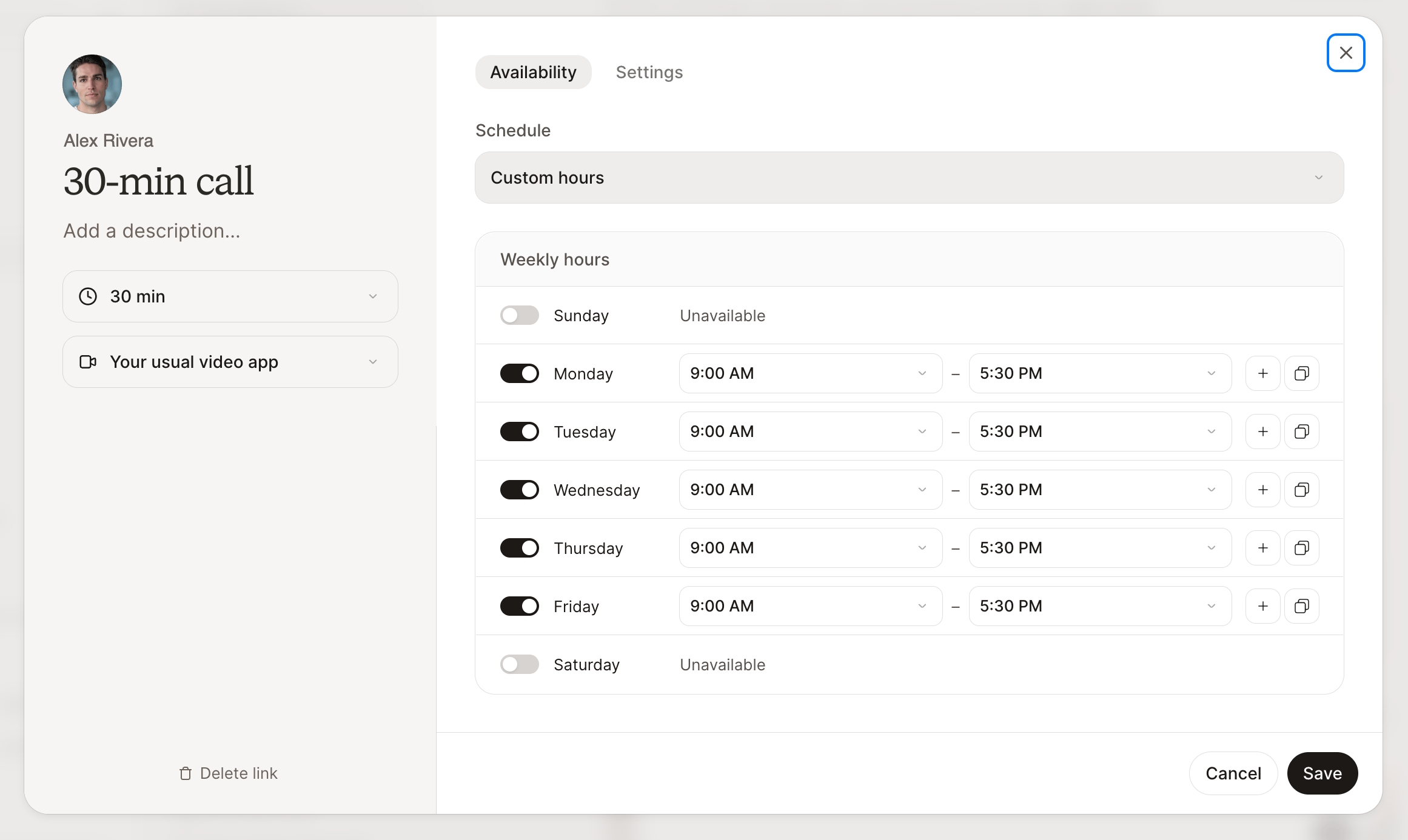
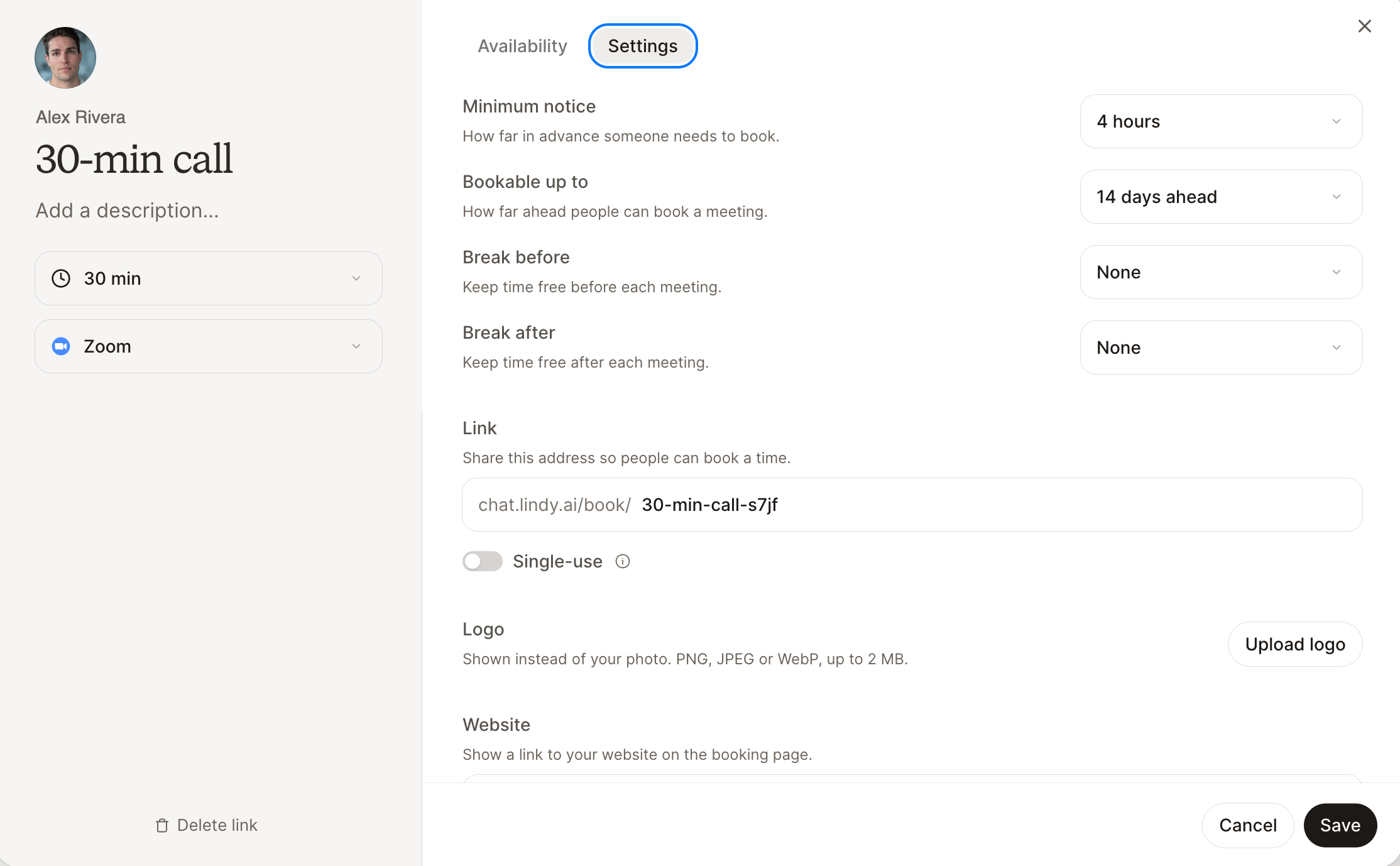
Click a meeting card to edit it. Make your changes, then click Save.- Availability
- Settings
What guests see
Guests choose a date and time, then enter their name and email, with an optional note. They don’t need a Lindy account. Times display in their selected time zone, and the booking creates a calendar event. Their confirmation includes a link to reschedule or cancel. Lindy checks availability again before confirming a new time.Pause or limit a link
Turn off the switch on a meeting card to stop new bookings. Existing meetings stay booked. Turn it back on when you’re ready. For a link that should accept one booking, enable Single-use in Settings. It turns off after the first booking.Ask Lindy in chat
You can also create or update links by asking:Create a 30-minute Intro call booking link for Tuesday and Thursday afternoons.
Make my Intro call link single-use.