Create an app
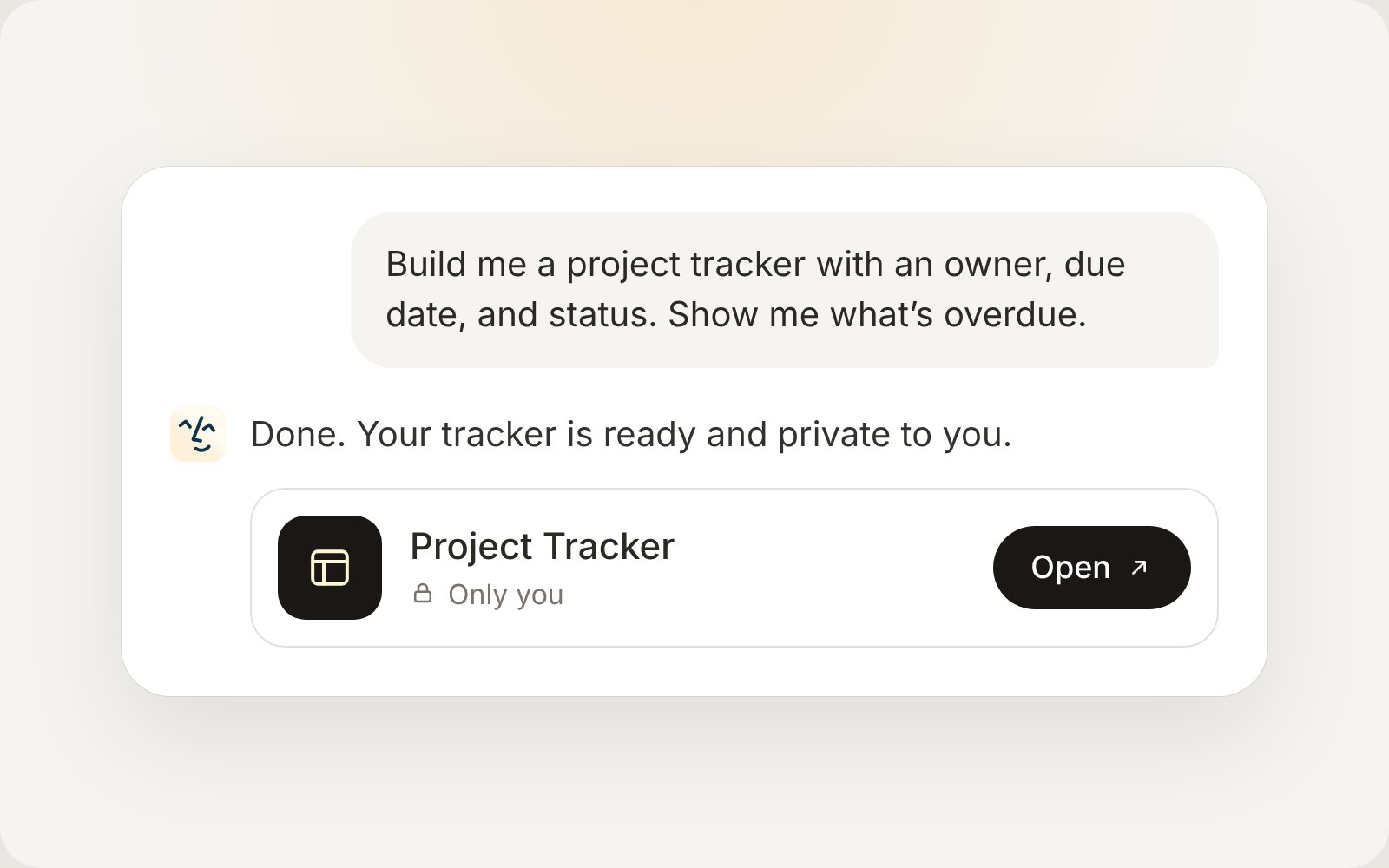
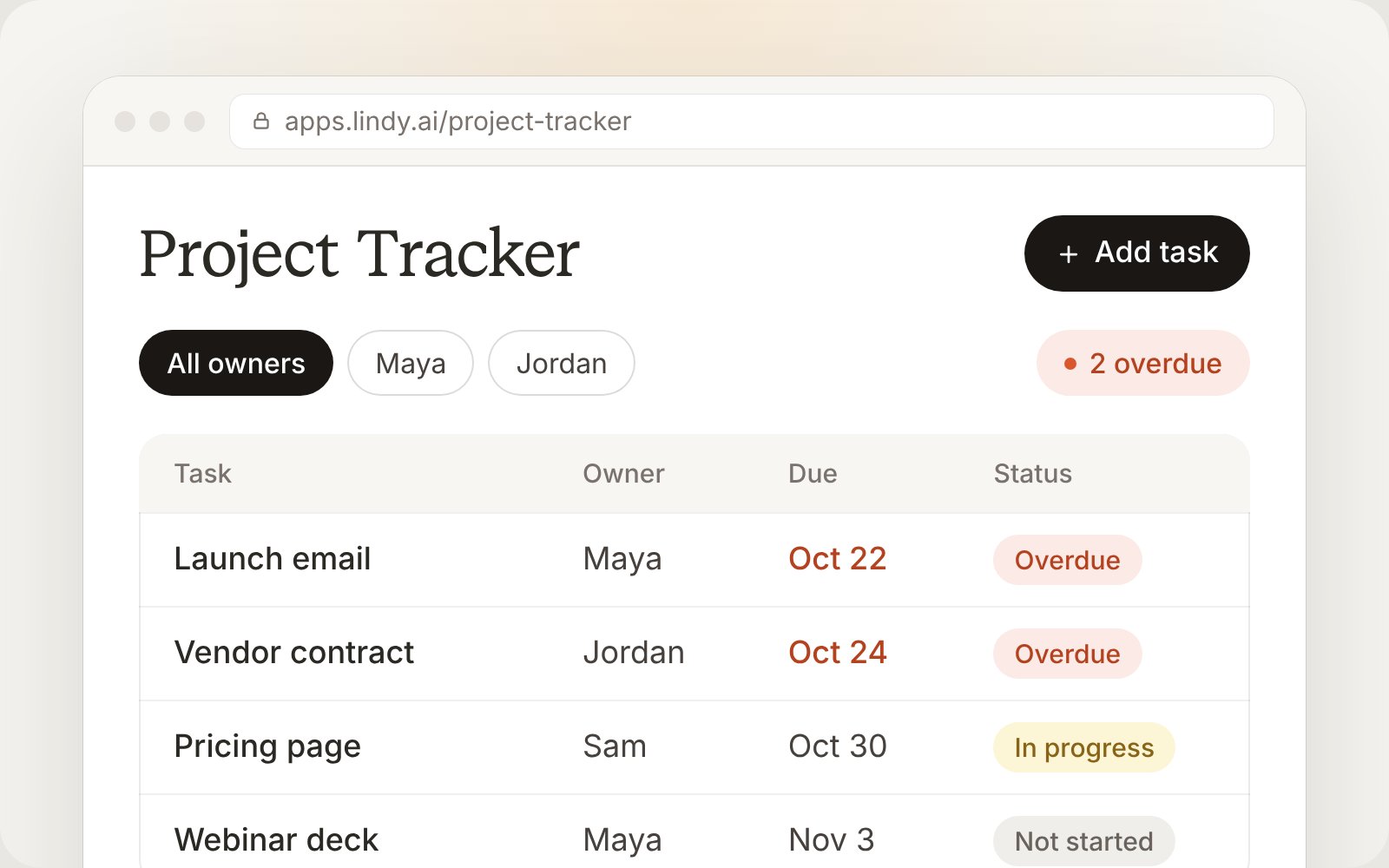
Ask Lindy in chat. Explain what the app should do, what information it needs, and who will use it.Build me a project tracker with a name, owner, due date, and status for each task. Let me add and update tasks, filter by owner, and see what’s overdue. Keep it private for now.
Make changes
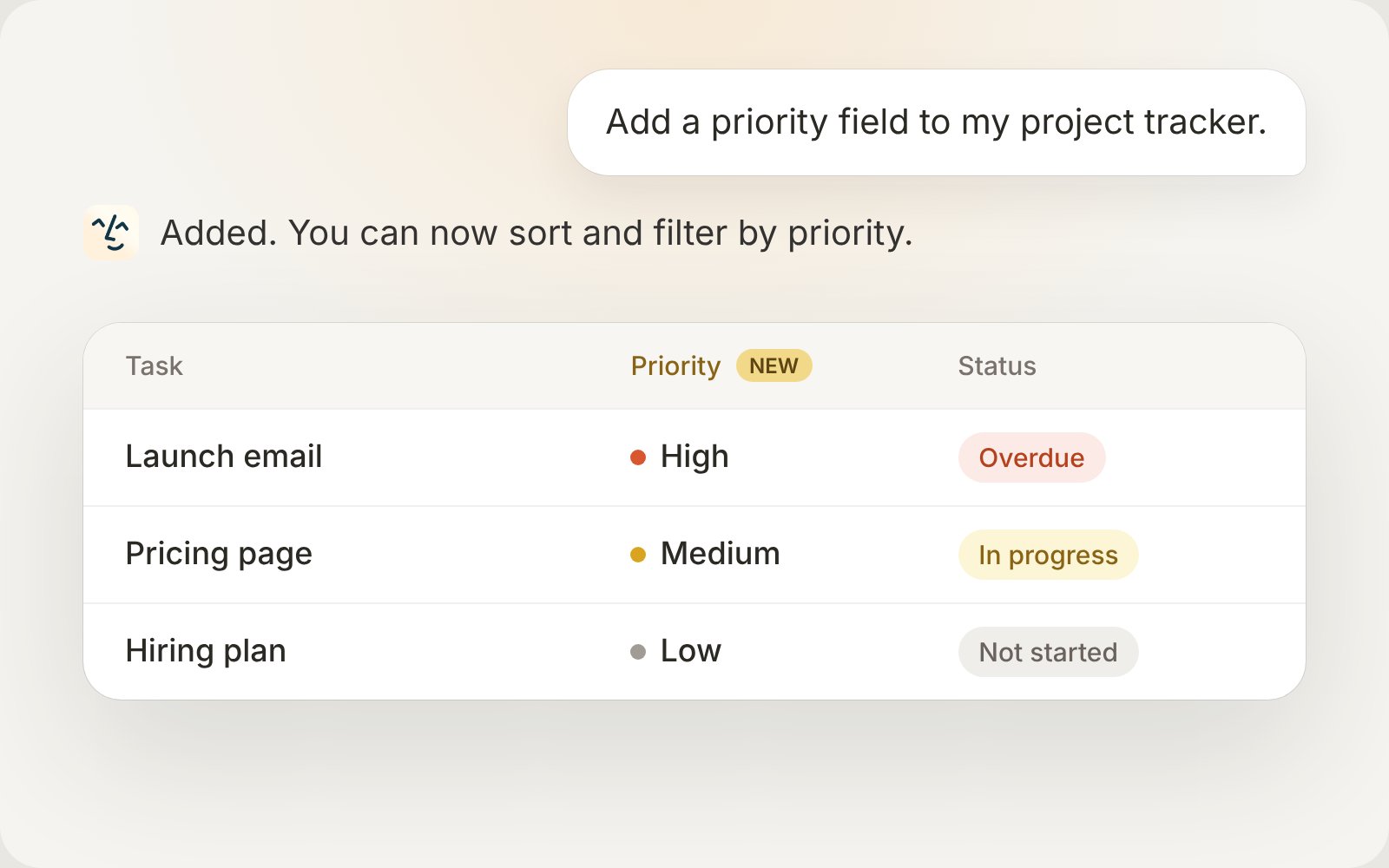
Tell Lindy which app to update and describe the change. You can adjust its layout, add fields, change how it works, or update its data. For example:- “Add a priority field to my project tracker.”
- “Show overdue tasks at the top and add a filter for this week.”
- “Add a board view grouped by status.”
Choose who can use it
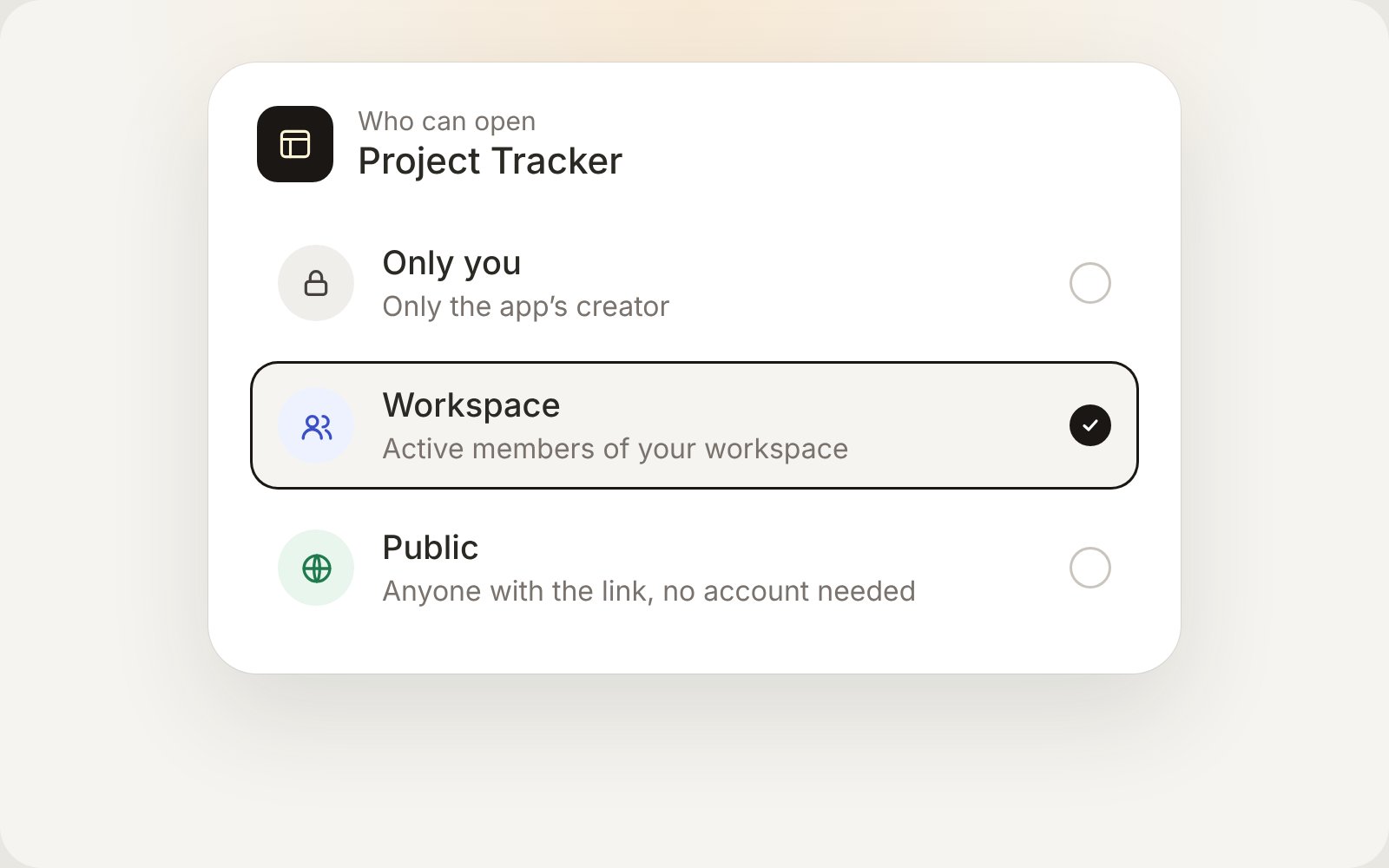
Ask Lindy to keep an app private, share it with your workspace, or make it public. The badge on its card in Apps shows its current visibility.
For example: “Share my project tracker with the workspace so the team can use it.”